
iPhone Screenshots

Description
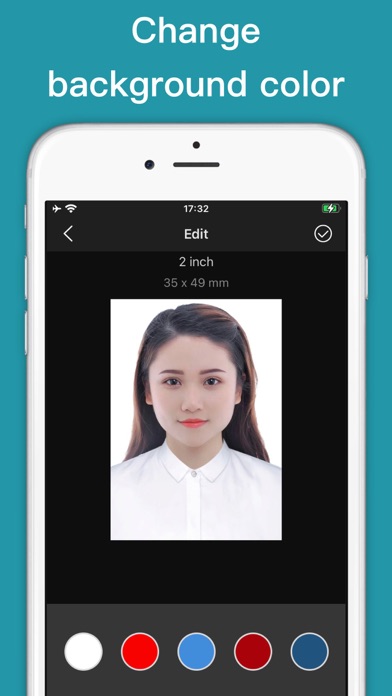
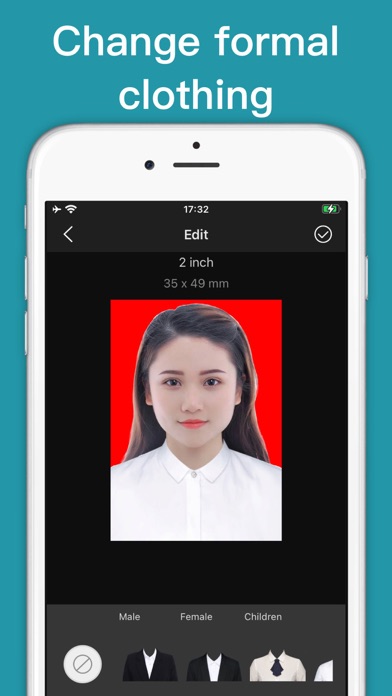
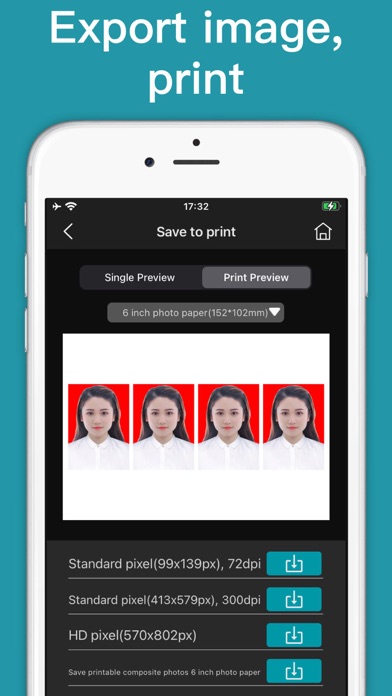
ID Photo DIY,Make your ID Photo, Passport/visa Photos by yourself. This app can create pictures for printing and online submission. This app can remove background and change background color. And make some size printable images such as five inch, six inch photo paper.
Best photo guide:
- Show your ears and neck, keep your head up, and look straight ahead.
- It would be better to ask others to help shoot.
- A solid color background, such as a white wall, avoid colors that are close to hair color and clothing color.
- Bright light to avoid uneven skin tone
1, Take a picture. You can follow the guide to take a photo, or choose one from your photo library.
2, Crop the photo. Crop your photo to the correct ID or passport size photo. There are many templates available.
3, Save and print image. Save your photo and print it at any photo store. Single digital photo is also available.