Remove unwanted objects from photos using AI-powered image processing. Edit blemishes, erase lines or wires, and eliminate scratches. Delete any elements not desired in the image. Save and share the edited photos.
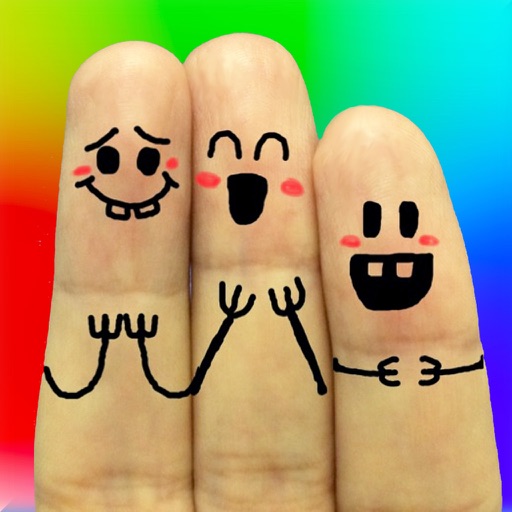
The app allows users to create finger faces using photos from their camera roll or by taking new pictures. Users can add faces, items, stickers, and text, or draw their own creations.
Edit photos with AI-powered removal and background erasure. Adjust colors, brightness, and contrast. Add text and stickers. Export in various formats and share directly.
Create animation effects by morphing two or more photos. Transform faces between individuals or into celebrities. Edit and animate photos of friends, family, pets, or politicians. Export and share the final animated .
Edit photos with AI-powered enhancements, filters, and effects. Crop, rotate, and adjust brightness, contrast, and saturation. Add text, stickers, and borders. Export in various formats and share directly.
Resize images with precise control over dimensions and quality. Adjust DPI for print or digital use. Batch process multiple files at once. Rotate images for correct orientation or creative angles. Export in various formats.
By removing fading, scratches, and yellowing. Enhance color and clarity using AI. Convert black-and-white images to color. Adjust brightness, contrast, and sharpness. Export restored in high-quality formats.
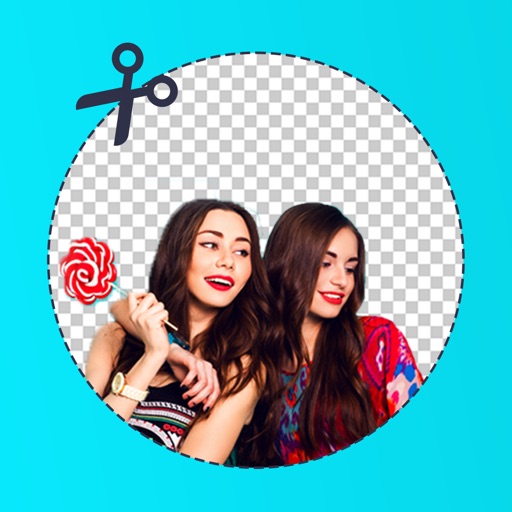
Edit photos by removing backgrounds with mode, object extraction, and quick select tools. Use transparent backgrounds for stamps and collages. Share edited images directly with other apps.
The app allows users to change a monochromatic background into any image. It offers tools to manually remove backgrounds without a green screen and includes features like auto-enhance, drawing, stickers, text, and various photo effects.
Create composite faces by blending selected photos. Choose images from the Photos Library, adjust blend settings, and share the result. No image data is stored.