Use animated hand emojis to express approval or disapproval. Place stickers on messages, images, or other stickers in conversations. Customize placement and interact with animated effects.
by Apple Inc.★ 4.3166 ratingsStickersFreeData updated 2026-09-11
Add life-like stamps to messages, images, or other . Express approval or rejection with customizable stamps. Share stamped content directly within chats or conversations.
Send dynamic and animated stickers in iMessages. Place stickers anywhere on messages. Customize photos with stickers in chat. Layer stickers over each other or on photos. Add characters and scenes to messages.
Use stickers to enhance iMessage conversations. Include 256 high-quality images of cute characters. Access 80 free stickers with an option to purchase for full access. Share stickers in text messages and social media.
Send stickers to messages by tapping the sticker pack in iMessage. Choose from cat emojis. Paste stickers directly into conversations. Add stickers to iMessage via Store or Manage tab.
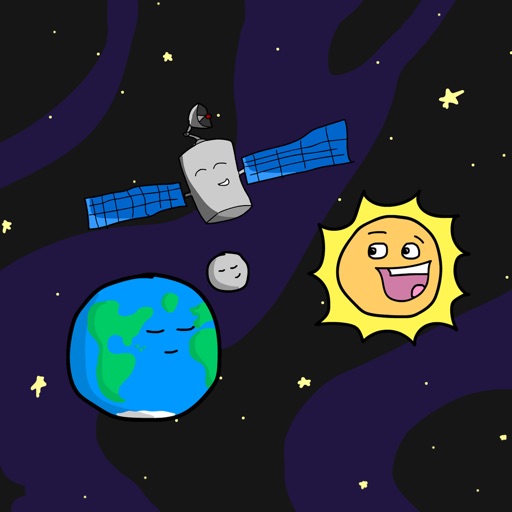
Add space-themed emoji stickers to iMessage conversations. Customize messages with animated stickers of planets, rockets, and stars. Share stickers directly within chats or save for later use.
Download and use and in iMessage. Access via the Store icon in iMessage. Tap and hold to place on message bubbles or photos. Stack in conversations. Scale and rotate as needed.
Create custom emojis by combining and speech bubbles. Use high-quality HD in iMessage conversations. Add expressive emojis to enhance messages. Receive free updates without ads or hidden charges.
Use stickers featuring music instruments and animals from 10 countries. Add and instrument designs to messages. Choose from guitar, saxophone, and trumpet stickers. Include bull, owl, and piper characters. Share stickers in chats and messages.
Create and send text-based American Sign Language expressions. Choose from slang, reactions, and phrases. Share messages quickly without typing. Sync other ASL sticker apps.
Use stickers featuring characters to personalize iMessages. Add stickers to conversations, browse the sticker library, and manage favorites. Share stickers with contacts via iMessage.
Use animated stickers to enhance messages. Send 24 different animated stickers. Choose from a variety of expressions. Integrate with iMessage for instant sharing.
Add animated stickers to messages in chatrooms. Tap to insert stickers into message bubbles. Drag stickers onto messages or other stickers. Rotate and scale stickers using a second finger.
Add stickers to iMessages with characters like Lucky, Marie, Bolt, and Lady. Scale, rotate, and layer stickers. Place them on photos. Access additional packs through the iMessage Store.