
iPhone Screenshots

Description
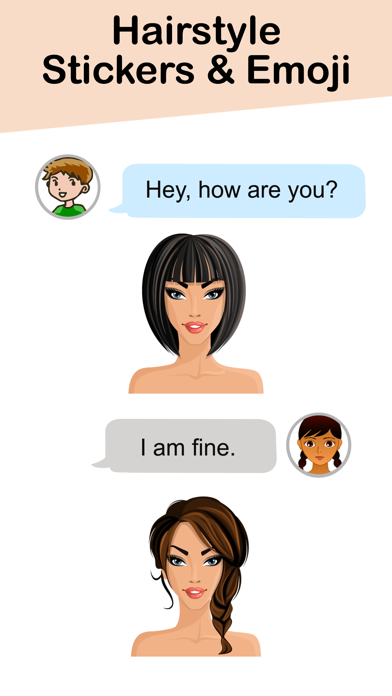
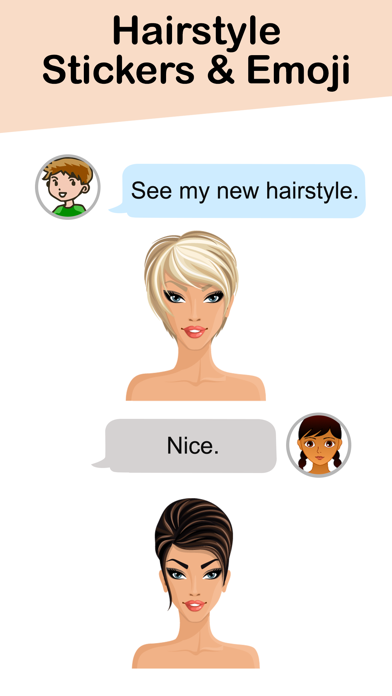
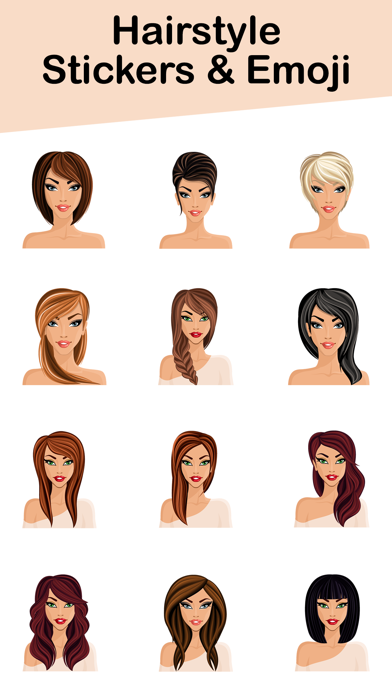
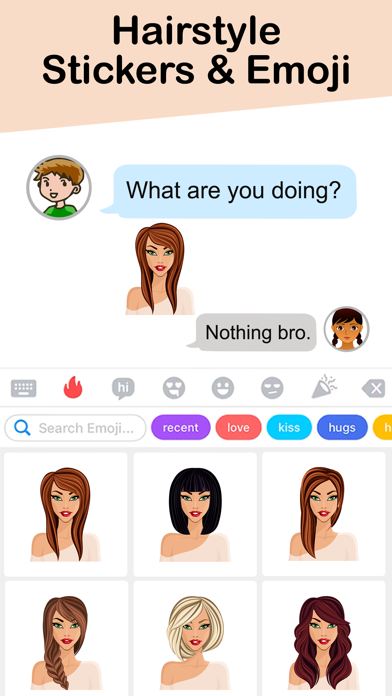
Download and use and in iMessage. Access via the Store icon in iMessage. Tap and hold to place on message bubbles or photos. Stack in conversations. Scale and rotate as needed.
Downloads HairStyle Stickers and Emoji and enjoy
How to use stickers:
- Open iMessage from your iPhone.
- Tap on App Store icon.
- Tap on four oval icon to see app drawer.
- Tap on + button icon to access message app store, then manage app.
- Select the your app's sticker
- Just with a single tap send stickers.
- Peel and Place stickers on top of message bubbles or photos, just tap, hold and drop!.
- Add stickers over each other in conversations in iMessage.
- Scale & Rotate stickers by using a another finger before you place it on a bubble.