
Animated Sluggish Cat Emoji
Tap to paste stickers in messages
Mobisoft Labs
iPhone Screenshots


Description
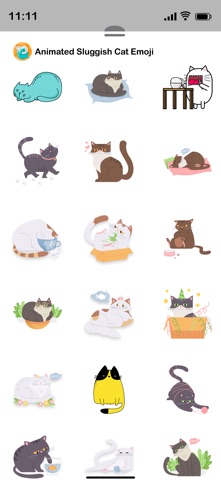
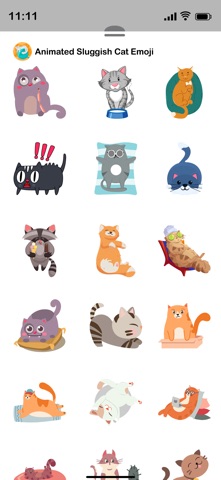
Send stickers to messages by tapping the sticker pack in iMessage. Choose from cat emojis. Paste stickers directly into conversations. Add stickers to iMessage via Store or Manage tab.
Animated Sluggish Cat Emoji stickers make your conversations come to life. Simply tap the sticker you want and paste it into your conversations.
How to Access Stickers in iMessage:
1. Open messages app
2. Compose a new message to anyone
2. Tap App Store icon in top left corner
3. Tap four circles icon in bottom left corner
4. Sticker Pack icon should appear in your iMessage App Drawer
5. If Stickers don’t appear, tap “Store" icon and then tap “Manage" tab to add sticker pack to iMessage Sticker Drawer.