Apps Like Ideas - create notes for iPhone and iPad
Edit with text, images, and drawings
And edit with drawing tools, text, and photo insertion. Adjust text formatting, color, and effects. Resize and rotate text and images. Save and share creations via social media apps.
by Mireia Lluch Ortola★ 4.915 ratingsUtilitiesFreeData updated 2026-09-11
Digital with customizable backgrounds. Add text with adjustable fonts, colors, and borders. Draw on photos or include images that can be moved, rotated, and scaled. Save and share finished designs through social media apps.
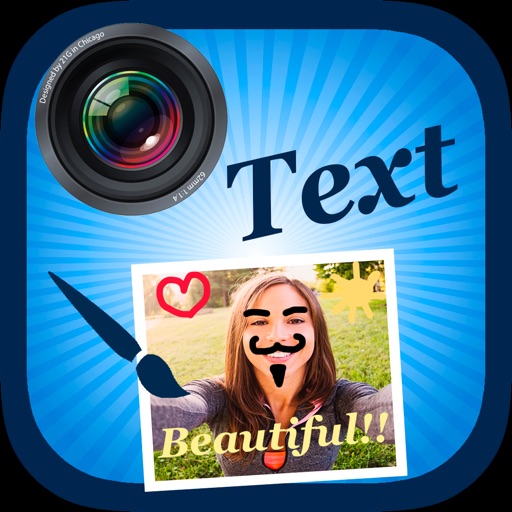
Edit by selecting from the gallery or taking a new photo. Adjust images to a square format. Add text with customizable fonts, colors, and borders. Move, rotate, and scale text. on with finger input.
Create and edit drawing tools and photo additions. Paint on images finger input. Move, rotate, and scale added . Save and share creations via social media apps. Offers a simple interface for note-taking and visual projects.
Edit photos with enhancement tools, effects, and color splash. Add stickers, frames, and overlays. Create collages and custom drawings. Crop, rotate, flip, and straighten images. Adjust brightness, contrast, and saturation.
Edit by adding customizable with unique fonts. Adjust photo size and crop images. Modify color, add borders, and adjust brightness. Share edited directly from the .
The app offers video editing tools including trimming, merging clips, and adding text or animated titles. Users can adjust video display, speed, and apply various filters and transitions.
Add multiple decorated texts to photos with various fonts and styles. Adjust color, size, and shadow. Add outlines and reposition texts. Save the edited .
Edit photos with filters, cropping, and brightness adjustments. Add text, stickers, and frames. Create collages and enhance images for social sharing. Trim and cut videos. Export in multiple formats and share directly.
Create videos using AI-generated templates for TikTok, Instagram Reels, and YouTube Shorts. Add auto-synced captions and beats. Convert text or images into videos. Remove backgrounds and auto-cut clips. Apply AI effects for enhanced visuals.
Create videos using customizable templates. Upload clips from camera roll. Trim and combine footage. Add text and effects. Export in various formats. Maintain brand consistency with on-brand templates.
Edit videos with trimming, splitting, and merging tools. Add text, stickers, and music. Apply filters and transitions. Export in vertical 9:16 format. Share directly to TikTok, Reels, and Shorts. Supports multiple video and audio sources.
Add multiple decorated texts to photos with various fonts and styles. Adjust color, size, and font name. Add outlines and shadows. Resize, rotate, and position texts freely. Save edited photos directly.
Edit photos with filters, effects, frames, and graphics. Add text and stickers. Share edited images directly. Apply custom overlays and adjust brightness, contrast, and saturation. Save and export in various formats.
Edit videos by trimming, cropping, splitting, merging, rotating, and adjusting speed. Add text, stickers, and transitions. Export in various formats and share directly to social media platforms.
Create collages with 20000+ layouts and effects. Add stickers and text to photos. Edit images with cropping and filters. Make videos with carousel and slideshow options. Share directly to Instagram.
Create collages using 10000+ free layouts, effects, stickers, fonts, and backgrounds. Edit photos with cropping, filters, and text tools. Save and share collages as images or stories.
The app allows users to post full-size photos and videos to Instagram without cropping. Users can move, rotate, scale, and flip media, and apply filters, stickers, and text.
Create collages from photos and videos for social media posts, stories, and thumbnails. Edit videos with trimming and grid layout options. Add blurred backgrounds without cropping. Share content directly to platforms like Instagram and TikTok.