
Ideas - create notes
Edit with text, images, and drawings
Mireia Lluch Ortola
iPhone Screenshots


Description
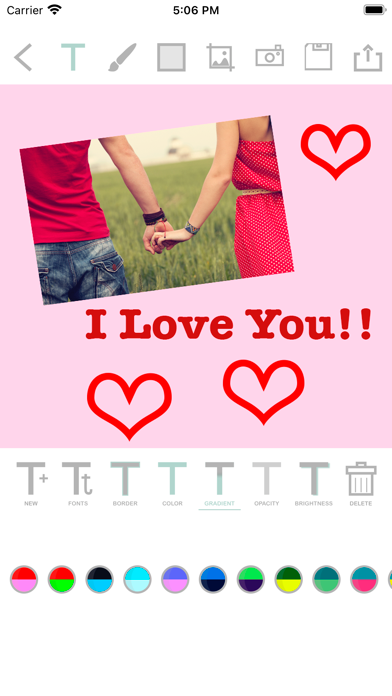
And edit with drawing tools, text, and photo insertion. Adjust text formatting, color, and effects. Resize and rotate text and images. Save and share creations via social media apps.
HOW TO USE:
• Create a new note or edit an existing note.
• You can draw, add text or add photos.
• Select any font text, and move, rotate or scale the text. You can change the text color, add border, brightness, etc.
• Move, rotate or scale the added images.
• Save your ideas or creations.
• You can save and share photos with your mobile's social networking apps.
FEATURES:
• Free and easy to use.
• Friendly interface.
• More than 50 fonts.
• Several effects to apply to the text.
• You can add several texts in the same picture.
• Painting.
• Add photos to your notes.
• You can save your work to continue later.