Apps Like Random Quote & Picture for iPhone and iPad
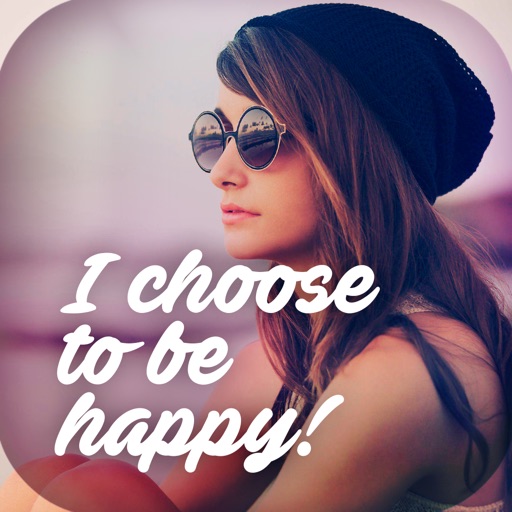
Tap to generate and share random quotes
Generate random quotes and images with a single tap. View combinations of random pictures and sentences. Edit or replace sentences and images manually. Share generated content with friends.
by Lu Cheng Wei★ 0.00 ratingsPhoto & VideoFreeData updated 2026-09-11
Edit photos to create portrait-style images using AI-generated styles. Select from various themes like Casual, Vintage, Business, and Hollywood. Adjust details and export the final image.
Create and edit drawing tools and photo additions. Paint on images finger input. Move, rotate, and scale added . Save and share creations via social media apps. Offers a simple interface for note-taking and visual projects.
Edit photos with filters, cropping, and adjustments. Create stop-motion and time-lapse videos. Add special effects to individual images. Export edited photos and videos. Share directly from the .
Create pictures with customizable borders, backgrounds, and filters. Apply preset designs to enhance images. Export and share edited profiles directly to social networks.
Capture photos of the moon by aligning the camera manually. Adjust moon size with two fingers. Tap to autofocus or manually adjust focus. Modify brightness using +/- buttons for better detail. Press the circular button to take a photo.
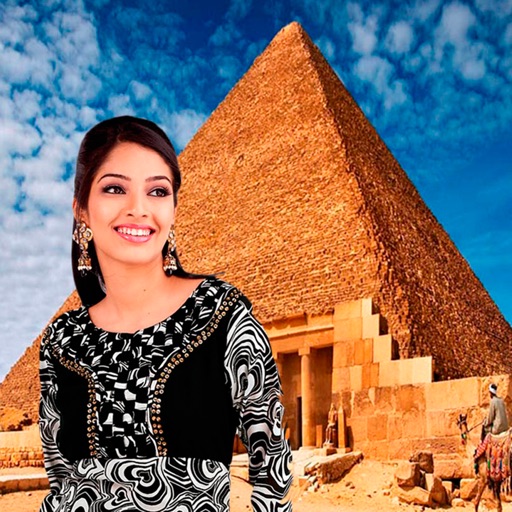
Select a monument from the collection. Crop a photo by pressing the silhouette button. Draw the desired area your finger to cut out your figure. Position yourself within the chosen image section.
Remove backgrounds from photos using AI. Create personalized pet portraits and funny avatars. Generate AI-powered videos from images. Upload photos and apply pre-designed templates. Edit and enhance images with filters and effects.
Edit photos with brightness, contrast, and color adjustment tools. Apply over 1000 effects and filters. Add text, stickers, and animations. Share photos directly to social media or email. Export in various formats.
Edit photos by adding Christmas , stickers, and filters. Apply text with custom fonts and colors. Create greeting cards and save edits in high quality. Share photos directly on WhatsApp.
Edit photos with cropping, resizing, and basic adjustments. Apply filters and effects. Add text and stickers. Share edited images directly. No subscription required.
Edit photos with high-quality resolution and advanced filters. Adjust brightness, contrast, and saturation. Add text overlays and stickers. Crop and rotate images. Export in various formats and share directly.
Generate professional headshots from a single photo
Generate professional headshots, dating photos, or social media portraits from a single image upload. Adjust skin tone, hair, and makeup details for natural results. Export in high quality and share directly.