
Apps Like Random Quote & Picture for iPhone and iPad
Tap to generate and share random quotes
Generate random quotes and images with a single tap. View combinations of random pictures and sentences. Edit or replace sentences and images manually. Share generated content with friends.
Random Quote & Picture screenshots
Ranked alternatives
Showing 361–380 of 1,000 ranked alternatives.

SSSTik Lite: Trend Video Saver
Alina Pustovit
Save links, choose formats, share content
Save videos in HD, standard , audio, or as a slideshow. Watch content offline without internet. Share saved files directly with friends.
Cat Me!
The Ritz Acme Ltd Liability Company
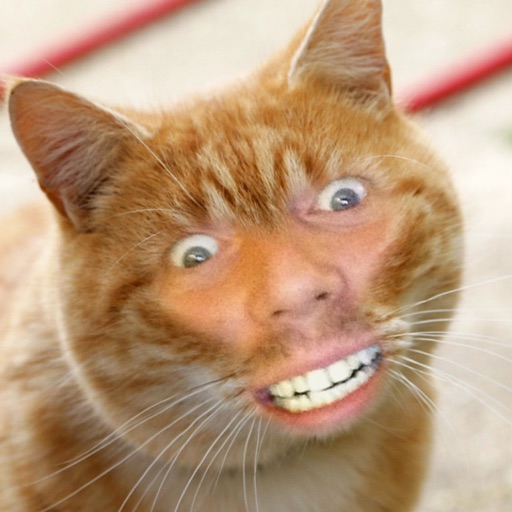
Put faces into cat pictures.
The app allows users to place a face into cat pictures or add cats to user pictures. It includes tools for adding captions, fun images, and frames.

Background Eraser - Auto Cut
Liam Sammy
Edit photos and remove backgrounds automatically
Edit photos by removing backgrounds with mode, object extraction, and quick select tools. Use transparent backgrounds for stamps and collages. Share edited images directly with other apps.


Love Frames & Art
Aakaash Soni
Frame special moments
Create romantic photo and art text to enhance images. Customize templates with personal photos and add symbols. Share decorated images directly.

Doodletime: Timelapse sketches
Qrayon, LLC
Creative word prompts for quick doodles.
The app provides a random word prompt and 60 seconds to create a doodle. It saves a timelapse video of the doodle, which can be shared via the camera roll or third-party apps.
After Color - Easiest way to layout full size photo to Instagram with colorful border and stickers.
Melih OZDOGAN
Edit photos with textures and stickers.
The app provides a powerful editor with a simple design for photo enhancement. Users can add custom textures, stickers, and text to their images, with options for focus, color splash, and various filters.
TurboCollage for iPad
Gaurav Agarwal
Create stunning picture collages easily.
The app allows users to create picture collages with various styles like Picture Pile, Picture Grid, and Mosaic. Users can add text, exchange pictures by dragging, and pan or zoom individual images within frames.
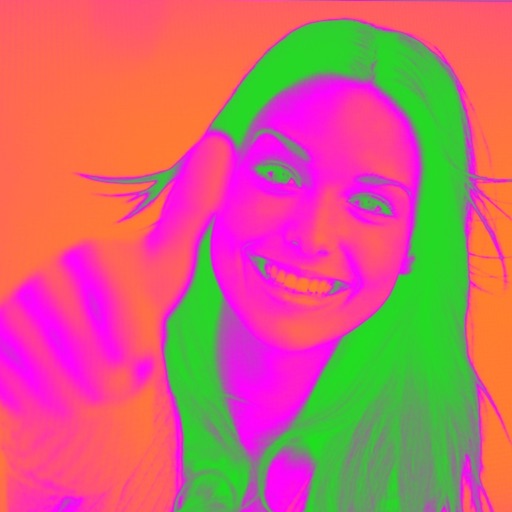
Disco Cam
AWESOME APPS, Limited Liability Company
Edit photos with neon color effects
Turn your camera into a creative tool with . Apply fluorescent color filters to photos. Choose from 30 color combinations. Tap to switch views and capture images with unique color effects. Share edited photos directly.

Ramadan Mubarak Photo Frames
Patel Ravjibhai
Share and messages
Edit photos with -themed and backgrounds. Add text and customize images. Choose from over 50 frame options. Import photos from gallery or capture new images. Share edited photos directly.

Lingosnap: Language Learning
LALIA PRIVATE LIMITED
Capture words, learn languages, improve skills
Uses photos to teach languages, allowing users to learn vocabulary and phrases through visual associations. Users can take or select images, pair them with words or sentences, and review flashcards.


Spiral Painter Easy
Anatoly Weinstein
Create art with and brush tools
Create digital paintings using a brush for intricate curves and unique patterns. Adjust brush settings for different effects. Combine brush with regular brush for varied artwork. Export and share finished drawings.
HD Food Camera
Quantis, Inc.
Edit photos with filters and share online
Edit photos with single-tap filters, brightness, opacity, contrast, blur, and focus adjustments. Rotate, crop, and resize images. Share to Facebook, Twitter, or Instagram. Save to photo library or send directly.
Photo Frame Editor – Pic Collage Maker Free
MULIAN LI
Create photo collages with frames captions.
The app provides layouts, backgrounds, and frames for designing photo collages. Users can select templates, upload photos, and adjust them with effects, resizing, or rotation.
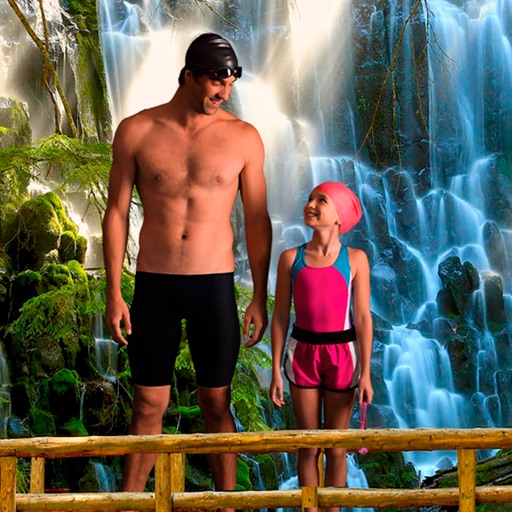
Waterfall montage with photos
Mireia Lluch Ortola
Crop finger drawings
Select a from the collection. Crop a photo by pressing the silhouette button and drawing the desired area. Place the cropped image within the chosen scene. Share the final composition.
How we rank alternatives
Apps are ranked by functional similarity, category fit, rating confidence, and popularity.