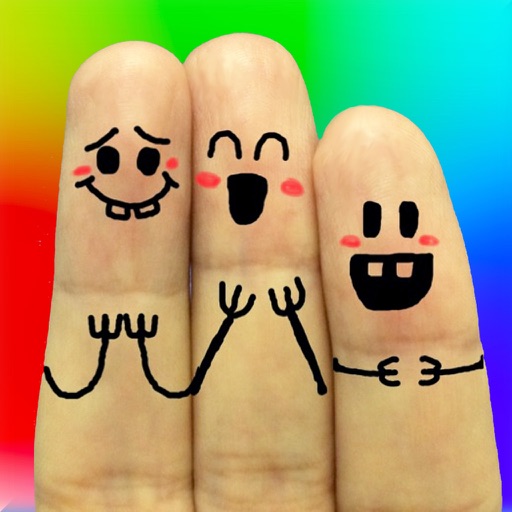
The app allows users to create finger faces using photos from their camera roll or by taking new pictures. Users can add faces, items, stickers, and text, or draw their own creations.
Editor allows users to apply , , and selective effects. They can adjust intensity and select areas to . The includes retro, 35mm, and analog filters for image enhancement. Users can crop, rotate, and adjust brightness and contrast.
Edit photos and videos by automatically recognizing and processing backgrounds. Choose from four recognition methods including transparency, blur, and replacement. Process only the subject or apply effects like fluffy, mosaic, monochrome, or sepia.
The app allows users to place over 60 different realistic animals onto their photos. Users can capture or import a photo, choose an animal, and then resize and rotate it to fit.
The app analyzes faces in photos to guess their apparent age and provides a shareable age card. It offers detailed facial readings, including shape and proportions, with privacy tools like blurring or pixelating faces before sharing.
The app is a bitmap image editor for creating custom glitch effects. Users can layer filters, pixelate images, adjust color and orientation, or apply multiple filters at once.
Edit photos with automatic face recognition and pixelation. Tap to exclude specific areas. Adjust pixelation style with handwriting options. Save processed images to the photo library.
Hide video portions with blur or pixelation effects. Select areas to edit, adjust settings for intensity and shape. Auto-track faces or objects for automatic coverage. Save edited videos to the Photo Library.
Create creative photos using unique and layouts. Apply effects like blurring and rain. Share finished edits via social media. Add photos to and adjust layouts.