
iPhone Screenshots

Description
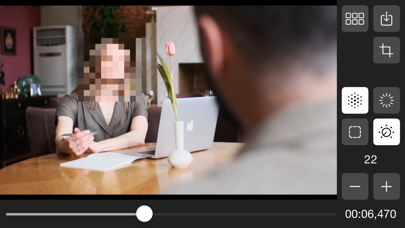
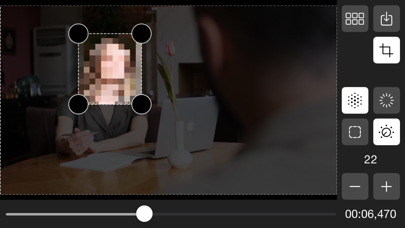
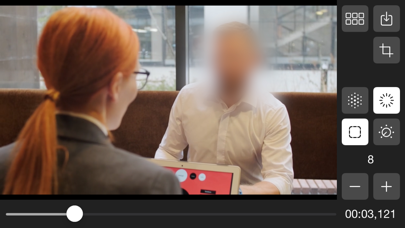
Hide video portions with blur or pixelation effects. Select areas to edit, adjust settings for intensity and shape. Auto-track faces or objects for automatic coverage. Save edited videos to the Photo Library.
Hide portions of your video (faces, bodies or objects) with blur/pixelated effects quickly and easily.
Features:
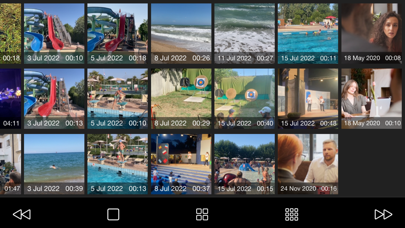
- load your video from your Photo Library;
- select a portion of the video;
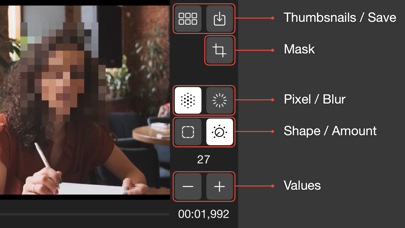
- set the parameters (pixel/blur - shape/amount);
- with the "auto tracking" function, the object (face, body) will be automatically identified and covered;
- save the resulting video in your Photo Library.