Track scores for games with friends or family. Add or edit player names and scores. Adjust scores using a calculator or +/- fields. Change turn order by dragging names. Create timers for game sessions. Sync scores across devices.
by Pace Apps Inc.★ 4.3186 ratingsGamesFreeData updated 2026-09-11
Track scores by adding or subtracting points via buttons or taps. Enter team names for home or guest teams. Select quarters to advance the game. Start and stop the match timer to manage gameplay.
Track games with a customizable . Edit team names and change colors. Adjust scores by adding or subtracting points per inning. Count balls, strikes, and outs with dedicated buttons or a toggle. Reset counts to zero at any time.
Track scores for the card game 500 by entering bids and tricks won. Calculate scores automatically. Support for 2 to 4 players. Pause and resume games. View game history. Access rules and scoring tables. Edit or delete entries.
Track scores by adding, subtracting, or editing points. Change team names for home or guest teams. Customize tap-and-hold actions for score adjustments in settings.
Destroy planets and meteorites using . Tap the center to shoot. Earn money based on score to upgrade skills and purchase skins. Unlock new actions and levels to progress further. Track high scores and customize attacks.
Track sports scores and game history. Sync data across devices using iCloud. Customize game names, player details, and starting scores. Add notes and use dice for gameplay. Supports VoiceOver for accessibility. No ads.
Track scores for board games or party games. Add players via the top left button. Sort scores from lowest to highest using the top right button. Adjust volume with the bottom right toggle. Reset scores to zero using the bottom left button.
Track scores by tapping boxes to add points and using the undo button to remove them. Switch serving teams with the circle icon and customize team names. Configure automatic side switches in settings.
Track games with customizable team names and set game times. Add or subtract points using predefined scores like +6, +3, +2, +1, -6, -3, -2, and 1. Advance quarters by tapping the quarter number.
Play dice game Farkle with one or two players. Roll dice to score points and reach over 10,000 first. Switch screens automatically for two-player turns. Compete against computer or friend. Track scores and game progress.
Track scores for board games, card games, and sports with real-time updates. Add players, customize categories, and save game sessions. Share scores via email or social media. Supports dice rolls and turn tracking. Syncs across devices.
Play as a hunter in a competitive shooting game. Aim and shoot targets to earn points. Compete against other players in real-time matches. Unlock new weapons and levels. Track progress and achievements. Share scores with friends.
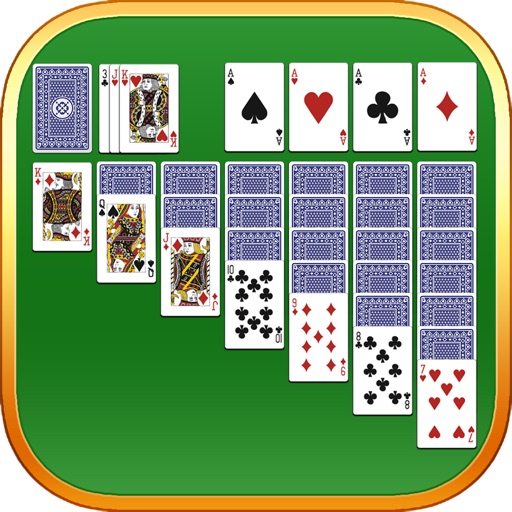
Play classic like Klondike, FreeCell, and Spider. Try original variations such as Baker's Game and Scorpion. Manage multiple decks, undo moves, and save progress. Compete in timed challenges and track high scores.
Play with classic game mechanics and modern design. Move cards by tapping or dragging. Choose from different game modes. Track progress and compete with other players. Save and resume . Adjust settings for customization.
Track scores for football, basketball, and other games. Use a built-in timer to manage gameplay. Swipe to undo recent score changes. Set a target score for winning. Customize settings and track points in real time.
Track games by setting player names and customizing score colors. Add or subtract points using "+" and "-" buttons in "IN" and "ON" sections. End rounds and view scores in real-time.