
iPhone Screenshots


Description
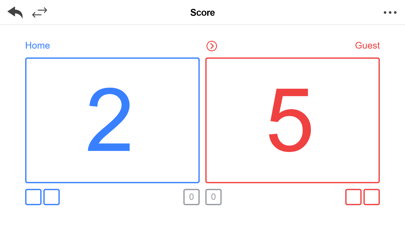
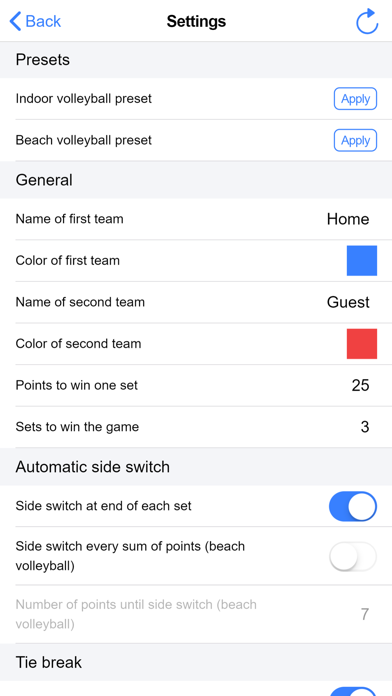
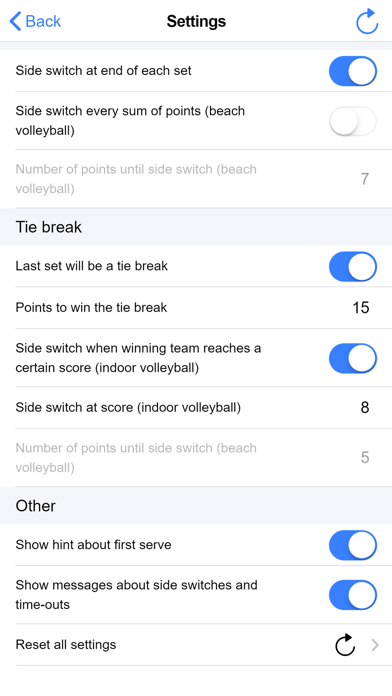
Track scores by tapping boxes to add points and using the undo button to remove them. Switch serving teams with the circle icon and customize team names. Configure automatic side switches in settings.
This is a simple and clean score keeper app to count your points and keep track of your volleyball score. It's completely free and contains no ads.
Features:
• Tap on the big boxes to increase the points.
• Use the undo button to decrease the points.
• The circle icon indicates who serves next. Tap on one of the circle icons before the first point to define who starts serving.
• Tap on the team names to change them.
• Tap the swap icon to switch sides. Use the settings to configure automatic side switches.
• Tap on one of the small boxes to use a time-out.
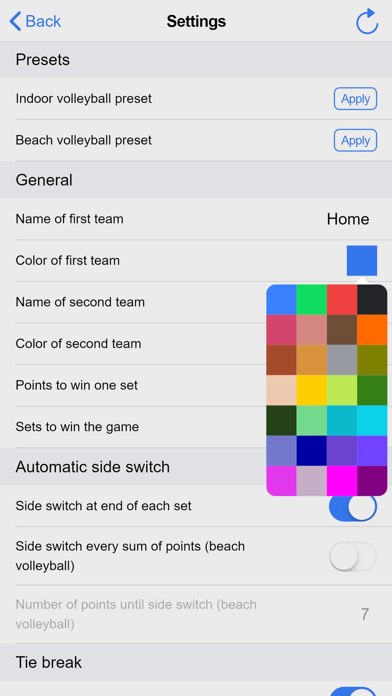
• Use the settings to configure points, sets, tie-breaks, colors and side switches.
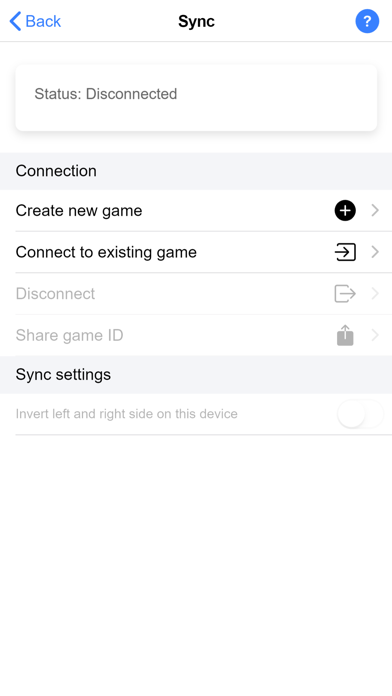
• Use the sync menu to synchronize your scoreboard with other devices or the web app.
• Share the current score anytime or the results when the game is over.