
Simple Cornhole Scoreboard
Set player names and track scores
NAOYA ONO
iPhone Screenshots



Description
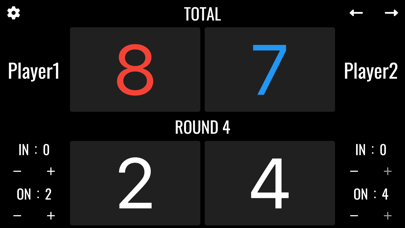
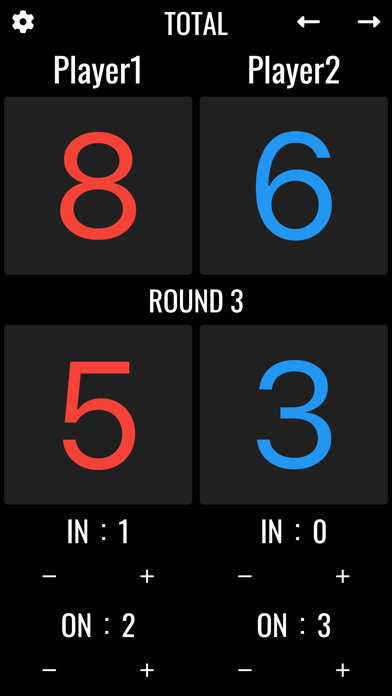
Track games by setting player names and customizing score colors. Add or subtract points using "+" and "-" buttons in "IN" and "ON" sections. End rounds and view scores in real-time.
A scoreboard app specialized for cornhole.
It is easy to use with simple operation, and allows you to set player names and change the score color.
● Basic functions
1. Player name
Tap "Player1" or "Player2" on the screen to enter the player's name.
2. Adding and subtracting points
Points can be added or subtracted by tapping the +- buttons in the "IN" and "ON" areas.
“IN" indicates the number of bags in the hole, and "ON" indicates the number of bags on the board.
3. Rounds
To end each round, tap the right arrow icon on the upper right corner of the screen. When you end a round, the points earned are automatically calculated and added to your total points.
Ex.
Round 1
Player 1 gets 6 points
Player 2 gets 2 points
At the end of the round, player 1 receives 4 points (6 - 2).
4. Reset
Tap the cog icon to display the menu, where you can reset the score.
● Privacy Policy
https://apps.seeds-digital.com/privacy-policy/
● Terms of Use
https://www.apple.com/legal/internet-services/itunes/dev/stdeula/