
iPhone Screenshots
Description
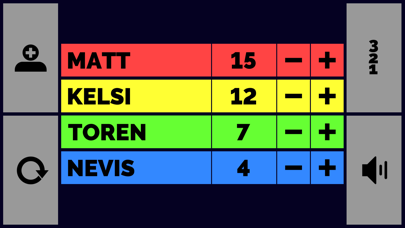
Track scores for board games or party games. Add players via the top left button. Sort scores from lowest to highest using the top right button. Adjust volume with the bottom right toggle. Reset scores to zero using the bottom left button.
Scorekeeper XL is a great app for keeping score when playing board games or party games with your friends.
----------------------------
How to use:
Top left button: add player.
Top right button: sort lowest-to-highest.
Bottom right button: toggle volume.
Bottom left button: reset scores to 0.
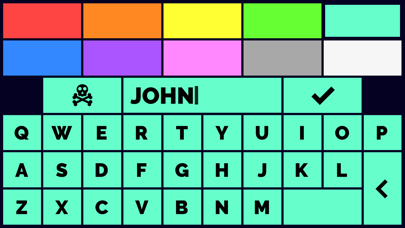
When editing a player, you can use the skull and crossbones to delete that player.
To increase a player's score, simply tap on the plus and minus buttons next to their score. If you hold the button it'll count up a lot quicker.
That's about it, have fun!