Create 3D stereo wigglegrams using dual camera footage. Capture two images from different angles and combine them into an animated 3D effect. Alternatively, generate funny animated GIFs with two photos. Share the final output directly.
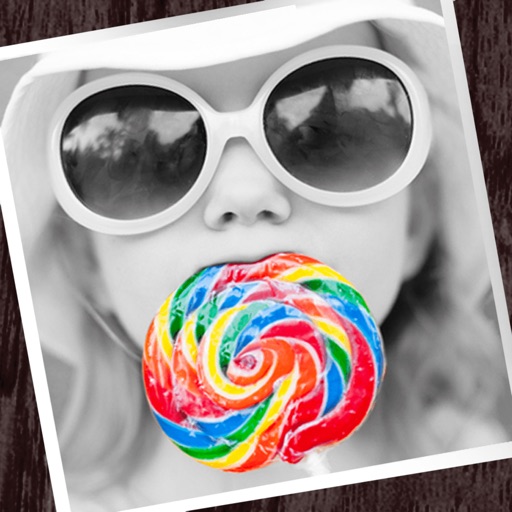
The app allows users to apply monochrome filters and effects to specific parts of an image by rubbing with a finger. Users can also reduce or enlarge images using a pinch gesture.
Adds depth effects to portraits using neural network technology. Adjusts background blur manually for precision. Offers multiple blur settings to customize the artistic effect.
Play puzzle games with sliding and wobbling pieces that lose adhesion when joined. Complete levels by arranging correctly. Features include 600 puzzles, progress tracking, and adjustable difficulty settings.
Blur image backgrounds to create effects. Select photos from gallery or capture new images. Apply multiple blurring tools to adjust blur intensity. Export edited photos to device storage.
Create photos with customizable . Select from options. Add photos from gallery or capture new ones. Apply filters for enhanced appearance. Include stickers or emojis. Save and share edited images.
Edit photos with effect and features. backgrounds and apply black-and-white conversion. Select areas for contrast. Zoom with two-finger pinching. Adjust brush size, opacity, and offset. Export edited images.
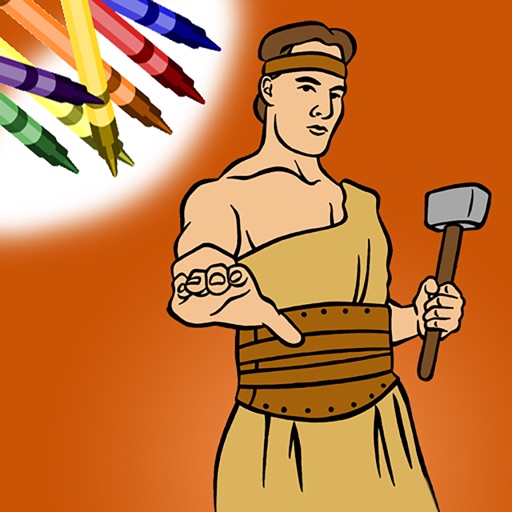
Color within lines using digital crayons. Select colors and tools to fill shapes. Save and share completed drawings. Adjust pressure sensitivity for detailed shading. Access a library of LDS-themed pages.
Photos by automatically detecting foreground and with a smart selection tool. Refine edges using an on-screen brush for precise adjustments. Choose from over 15 effects to customize the appearance. Export edited images directly.
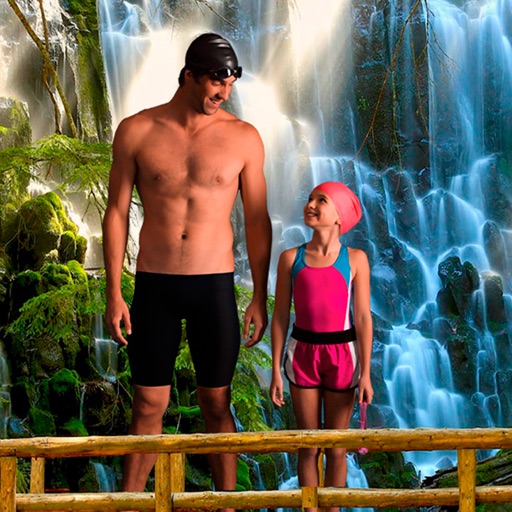
Select a from the collection. Crop a photo by pressing the silhouette button and drawing the desired area. Place the cropped image within the chosen scene. Share the final composition.
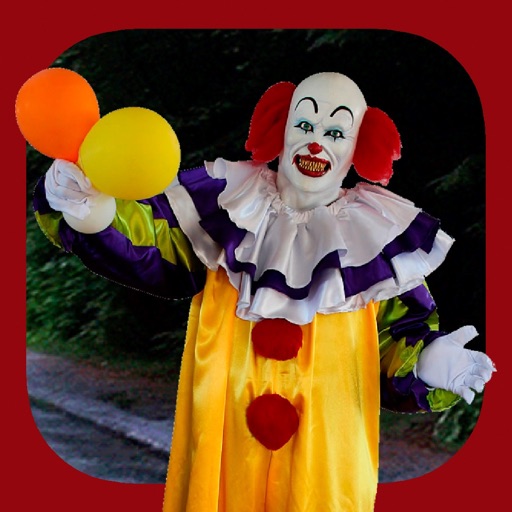
Add clown to photos for a scary effect. Choose from available , position them, and change background to black or white. Edit images using built-in tools and save or share the modified photos.
Apply to photos with adjustable strength and shape options. Add 50+ filters and crop images. Use double exposure feature. Edit smoothness and export edited photos.
Edit photos by adjusting overall or selectively changing specific areas with customizable . Apply various filters to enhance images. Retain original for any part of the . Export edited photos in different formats.
Create DSLR-style photos with background blur by selecting focus areas. Apply various filter effects for natural and realistic results. Adjust focus precision for professional-quality images.
Select a monument from the collection. Crop a photo by pressing the silhouette button. Draw the desired area your finger to cut out your figure. Position yourself within the chosen image section.