Apps Like Paintstorm Studio Lite for iPhone and iPad
Create digital art with Apple Pencil
Create digital art with customizable brushes and layers. Adjust brush settings for pressure and flow. Use Apple Pencil for precise strokes. Save and export artwork in various formats. Import images for tracing or blending.
by Sergei Komarov★ 4.0267 ratingsEntertainmentFreeData updated 2026-09-10
Create digital paintings using layers, masks, and clipping. Apply smudge and blur tools for texture. Draw shapes and use pure colors. Erase parts of artwork. Save and share completed pieces.
Edit photos by selecting images from the library and using an adjustable brush tool to mark areas for removal. The employs inpainting algorithms to seamlessly eliminate unwanted elements and blend the background.
Create intricate drawings with customizable symmetry, background color, and brush settings. Apply shadows and use predefined patterns or images for inspiration. Export and share finished designs.
And paint with a variety of tools including pens, lines, arrows, rectangles, ellipses, and text. Apply effects, adjust colors, and use filters. Crop, enhance, and add stickers to artwork.
The app offers a simple and nice design for users of all ages to enjoy. Users can choose colors, patterns, and brush types to color drawings and clear the canvas.
Images using adjustable strength and soft/hard brushes. Remove stains and defects from photos. Enhance images with high-resolution editing and zoom. Apply focus to hide unwanted details. Offset wrist to avoid finger obstruction during editing.
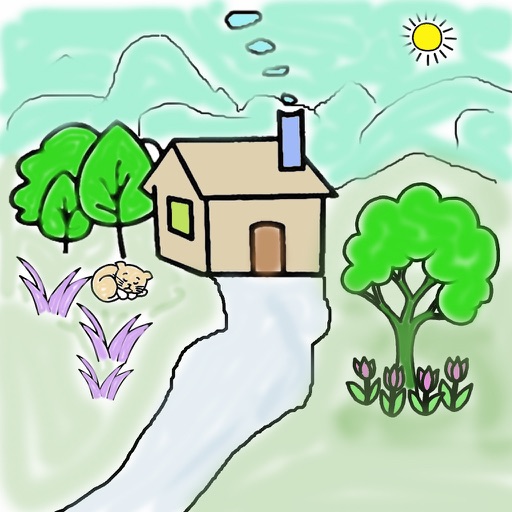
Create digital paintings with unique brushes and color chaos features. Use Color Jitter for textured effects and Fan Fill or Lasso Fill for quick color blocking. Paint outdoors or on the go with intuitive tools.
Color horses with customizable brushes and patterns. Save and share completed drawings. Access a variety of illustrations. Add text labels to artwork. Export images in multiple formats.
The app opens, views, and extracts images from abr, tpl, and pat files. It supports all versions of these file formats and allows exporting selected images to various locations.
Create original artworks using particle brushes for light effects and designs. Adjust brush settings for texture and flow. Save and share creations directly. Explore artistic inspiration through interactive tools.
Create pixel art sprites with drawing tools and a powerful engine. Open and edit pixel art files from Files. Use iCloud Drive for cloud storage. Support Apple for precise input. Import and customize color palettes.
Transform photos into artworks with customizable brushes and artistic effects. Apply color filters and use dynamic generative brushes for creative expression. Adjust brush stroke styles, sizes, and effects to refine details.
Educational allows children to color animated stories step by step. Includes painting tools and interactive elements to bring stories to life. Features updated books on various topics.
Create drawings with a variety of colors and brushes. Select from pre-designed templates and characters. Add animations and sound effects. Save and share artwork directly.