Apps Like Paintstorm Studio Lite for iPhone and iPad
Create digital art with Apple Pencil
Create digital art with customizable brushes and layers. Adjust brush settings for pressure and flow. Use Apple Pencil for precise strokes. Save and export artwork in various formats. Import images for tracing or blending.
by Sergei Komarov★ 4.0267 ratingsEntertainmentFreeData updated 2026-09-10
Draw sketches using brushes and tools with support for Apple Pencil. Create layered artwork and zoom for detailed painting. Import and export vector images in PDF, PNG, and JPEG formats. Use color or photo backgrounds. Save artwork for later.
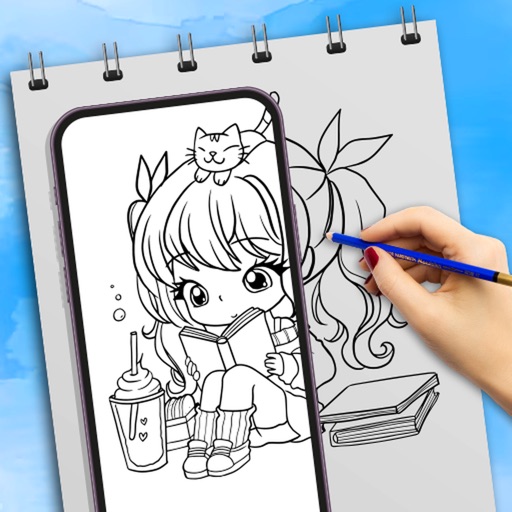
Use camera to draw and paint in augmented reality. Access tracing templates for animals, cars, nature, food, anime, and more. Adjust brush size and color. Save and share artwork directly.
Edit photos with effect and features. backgrounds and apply black-and-white conversion. Select areas for contrast. Zoom with two-finger pinching. Adjust brush size, opacity, and offset. Export edited images.
Convert photos to black and white drawings for . Import photos from device or camera. Add colors using painting tools. Create drawings on blank canvas. Premium version offers more paint colors, opacity control, and outline editing. Removes ads.
Turn real-world images into sketches using . Capture photos and apply freehand artwork with intuitive tools. Edit and refine sketches directly on the canvas. Share finished drawings via social media or email.
Create vector illustrations with precise tools for technical and artistic designs. Export to Pages, Keynote, or other formats. Sync work between Mac and iPad. Edit and refine graphics on mobile.
Allows users to select from 60+ illustrations. Choose from four realistic drawing tools including watercolor. Paint using artist-created patterns. Save and share completed pages.
Edit photos by drawing on them with adjustable brush sizes and color choices. Use an erase tool and undo/redo functions for precision. Save edited images for later changes or share them directly on social networks.
Create art with a wax simulator that mimics real-life drawing. Adjust stroke size based on finger contact area for precise control. Draw thin lines with fingertips or broad strokes with full finger pressure.
Create and edit drawings with a variety of colors and brushes. Sketch freely and refine details. Save, share, and publish artwork. Include step-by-step process for each drawing. Export in multiple formats and share directly.
Edit photos and videos with advanced filters, color correction, and layer blending. Add text, stickers, and effects. Export in various formats and share directly. Sync with cloud storage and access templates for editing.
Allow children to color pictures with 144 featured images. Choose from 9 brushes, 36 solid colors, 36 gradient colors, and 36 fill patterns. Save completed artwork to the phone's album. No user data is collected, and no ads are displayed.
Create art with 10 brushes. Adjust brush size and color randomly. Import photos to doodle on. Add drawings to family images for customization. Save and share completed artwork.