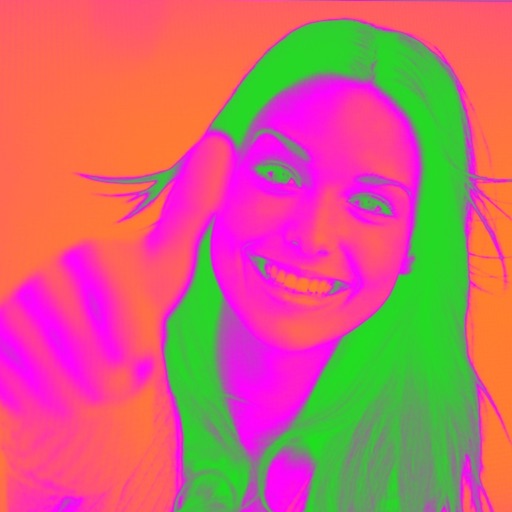
Turn your camera into a creative tool with . Apply fluorescent color filters to photos. Choose from 30 color combinations. Tap to switch views and capture images with unique color effects. Share edited photos directly.
Enhance and beautify photos with AI-powered upscaling and detail refinement. Remove blemishes, adjust skin tone, and sharpen images. Apply filters and effects. Export in various formats and share directly.
Create twin-style photos by applying mirrored filters and effects to selfies. Swap faces in images and videos. Share edited photos directly to social media platforms. Add captions and stickers for humor.
Convert photos into styles with AI technology. Upload images from the gallery and apply filters. Customize effects, add backgrounds, and save or share the edited versions.
Record video with punch-in/out editing and jog wheel scrubbing. Apply customizable VHS and 8mm filters from the 1920s to 2000s. Adjust color, contrast, and brightness for desired vintage look. Export videos in various formats and share directly.
Edit photos with light filters, including circle, frame, star, heart, glasses, and lines. Add text with customizable vector graphics. Apply coloring and create templates for creative artwork. Export edited images directly.
Take photos with high-resolution settings. Apply 40 free filters, including a popular pink filter. Edit images with color adjustments and effects. Add creative accents to photos. Share edited photos directly from the .
ANCIENDA TEKNOLOJI YAZILIM VE PAZARLAMA ANONIM SIRKETI
Edit photos, create avatars, generate art
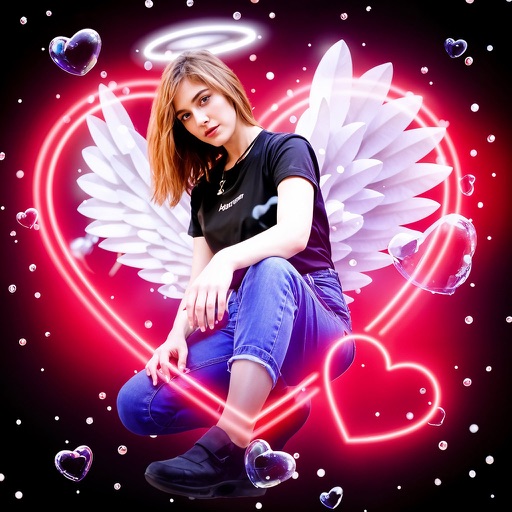
Edit photos with AI-generated portraits, face swaps, and themed scene integration. Design hairstyles, tattoos, and restore old images. Export edited content in various formats and share directly.
Edit photos with filters, effects, and text tools. Add stickers, shapes, and draw over images. Adjust colors, lighting, and focus. Crop, resize, and enhance details. Apply tone curves and retouch features. Export and share edited photos.
The app offers 15 retro camera filters, including digital and film looks. It also provides an editor with frames and effects like light leaks and flares.
Edit photos by blending multiple images together using advanced editing tools. Adjust brightness, contrast, and color. Access a library of preloaded images to mix with personal photos. Export and share edited results.
Capture photos from the device camera or select from the library. Apply over 60 design effects to images. Save edited photos to the library or share them on social networks.
Apply retro 80s filters to photos and videos. Adjust color, contrast, and grain for a vintage look. Add glitch effects and simulate low-resolution video. Share edited content directly to social media.
Capture photos with a vintage camera style, mimicking Fuji, Hasselblad, and Ricoh colors with visible grain. Retouch images using HSL adjustments, curve controls, defogging, and photo framing tools. Export edited photos directly.
The app provides manual control over iPhone camera settings including ISO, shutter speed, white balance, and focus. Users can adjust exposure compensation and apply live filters before taking a picture.
Edit photos with AI cartoon filters, -to-sketch conversion, and mosaic art creation. Remove backgrounds, add drip art, and create collages. Save and share edited images directly.
Capture moments with customizable and color effects. Apply bokeh effects and stickers to enhance photos. Share edited images directly with friends. Edit and save photos with intuitive tools.