The app allows users to take Testing & Balancing reports into the field using an iPhone or iPad. Users can set up sheets, record readings, and synchronize data with a web server for later editing, printing, and emailing.
Calculate arc dimensions including radius, length, width, height, apothem, angle, and area. Input any two values to derive the rest. Useful for carpenters, architects, and engineers. Supports complex mathematical calculations.
Create and customize for cross and pixel art. Set grid size up to 1,000 x 1,000. Choose display formats including symbol, fill, and . Use rulers and context menus to copy, move, flip, or clear elements. Duplicate pages and select starting positions.
Generate text based on user input using AI-powered writing assistance. Provide suggestions for speeches, marketing content, and written material. Support real-time editing and formatting options for text.
A with simple arithmetic functions. Displays calculation history. Shows current input. Features intuitive design and universal compatibility. No additional features or complex calculations included.
The app calculates areas of uploaded images by allowing users to set a drawing scale before outlining a shape's perimeter. It supports multiple drawing layers for summing areas and displays results in imperial and metric units.
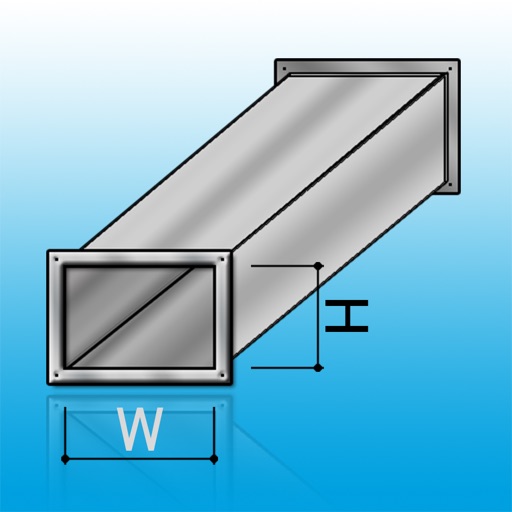
The app calculates duct sizes for air conditioning using the constant-pressure method. Users input wind amounts to determine duct size, disadvantageous pressure, and wind velocity for blueprints and drawings.
Unit and currency converter for quick conversions. Solve math problems with handwriting recognition. Calculate BMI, date intervals, and basic data. Analyze equations and perform photo-based problem searches.
Calculate excavation slope requirements based on soil type and dimensions. Compare sloping vs. shoring options. Generate visual diagrams for guidance. Save results for future reference.
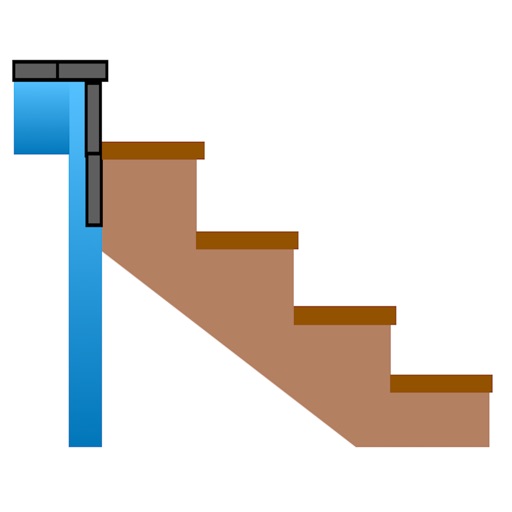
Calculate risers, run, angle, length, step height, tread depth, and number of steps. Adjust parameters for customization. Switch between Imperial and Metric units. Email or text results as needed.
Perform complex calculations with scientific functions and RPN mode for efficient input. Access 54 math functions including logarithms, square roots, factorials, trigonometry, and coordinate conversions.