The app allows users to take Testing & Balancing reports into the field using an iPhone or iPad. Users can set up sheets, record readings, and synchronize data with a web server for later editing, printing, and emailing.
by Sikora Data Technology, Inc.★ 4.52 ratingsBusinessFreeData updated 2026-09-19
Create and edit spreadsheets with formatting options, data entry, sorting, and formula support. Collaborate in real-time with others on the same document. Save automatically and open Excel files. Work offline and share spreadsheets for team editing.
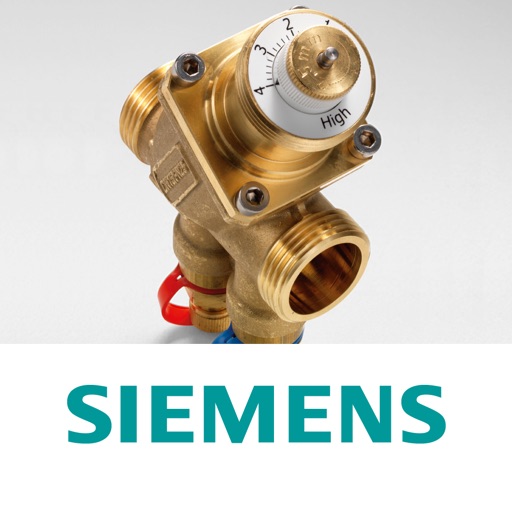
The app guides users through selecting the correct Acvatix PICV and actuator. It calculates volumetric flow, valve presetting, and provides commissioning reports with data sheets.
Conduct audits and inspections using customizable forms. Manage assets with QR code scanning. Track incidents and near-misses with detailed logging. Complete training modules and receive certifications. Share reports and updates in real time.
Drivers can communicate with fleet and asset managers via two-way messaging. Access real-time load updates and submit photos or documents for reports. View driver referral forms and share load details with relevant parties.
Manage and automate workflows using no-code tools. Create task lists, set deadlines, and assign responsibilities. Track progress with customizable views and dashboards. Integrate with other business apps and share sheets with team members.
Track work by entering start and end times daily. Deduct break for accurate logs. View daily work summaries and weekly totals. Calculate earnings based on hourly rate. Access historical work and pay records. Export sheets as Excel or CSV files.
Teachers can scan and grade multiple choice tests, quizzes, and assessments using their device's camera. Export results in PDF and Excel formats. Organize and report grading data. Generate free answer sheets in various sizes and formats.
Capture and manage photos with geo-referencing features. Each image includes GPS, bearing, and descriptive metadata. Upload and organize unlimited visual data. Document construction projects with timestamped and location-tagged photos.
Manage projects with task tracking, document sharing, and real-time collaboration. Access blueprints, schedules, and change orders. Receive notifications and update project status. Sync with Build and BIM Collaborate.
The app tracks time spent on billable activities. It allows users to log multiple activities and cost rates, with a logbook for past entries and export options.
Check warranty details, inventory availability, order status, and technical manuals for products. Access tech specifications and order history. Receive support and track business growth tools.
Input and visualize real-time flowback, drillout, and well testing data. Track trends and generate reports on the fly. Access real-time updates without waiting for scheduled Excel reports.
Manage expenses by capturing receipts with the device camera and reviewing submitted claims. Access real-time financial and operational data from any web browser on iOS devices. Track inventory, sales, and purchases across departments.
Capture field data with customizable forms and workflows for wetlands, streams, and natural resources assessments. Map features, organize photos, and log observations. Sync data with Manager for seamless field-to-office collaboration.