Offers full control over settings including white balance, exposure, ISO, shutter speed, and focus. It supports manual and automatic modes with priority options for ISO and shutter.
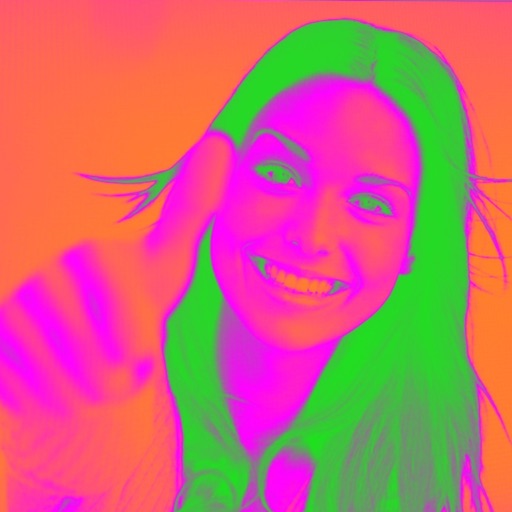
Turn your camera into a creative tool with . Apply fluorescent color filters to photos. Choose from 30 color combinations. Tap to switch views and capture images with unique color effects. Share edited photos directly.
Visualize colors from major brands like Sherwin Williams and Benjamin Moore. Apply colors to 3D room models to see how they look. Test colors on walls, floors, and exteriors without physical samples. Save and compare swatches for decision-making.
Corrects color distortion caused by actinic LED lighting in aquariums. Adjusts colors in real-time during photo capture. Allows manual fine-tuning of color balance and brightness. Saves and shares corrected images directly.
Edit photos with selective effects using gesture controls. Zoom and pan to adjust splash areas. Convert parts of the image to grayscale while keeping selected regions in full . Export edited photos directly.
Focus timer allows custom session settings and progress tracking. Base64 encoding and decoding tools support API and web development. Color picker provides hex, RGB, and HSL values with color saving.
The app allows users to sample colors from a live camera or photo, providing values in multiple formats like RGB, Hex, and RAL. It also offers color harmony suggestions and options to save, load, and share color values.
Capture colors from real-world objects using the camera. Select and save colors in various formats like HEX, RGB, and CMYK. Copy color codes quickly. Access a clean interface with dark mode support.