Convert colors between HEX, RGB, RGBA, CMYK, Lab, and HSB formats. Use the picker to select and copy codes. Adjust values manually or through preset swatches. Export codes for use in design projects or coding.
Create and manage palettes with support for multiple formats including HEX, RGB, HSL, and CMYK. Export colors as PNG or SVG. Save history and access a library. Organize projects and select colors from images, camera, or web.
Select colors using RGB or HSB schemes. Access single, secondary, and tertiary palettes. Toggle between light and dark mode for different viewing preferences.
Show information from images on your device. Import photos from the Photos or Adobe Creative Cloud with an Adobe account. Use the iOS extension to access images in Photos and other sharing apps. Pan, pinch, and zoom to view RGB values.
The app functions as an RGB color picker and a light. Users can select colors via an intuitive interface and view the selected color fullscreen with its hexadecimal RGB code.
Capture colors directly from real-world objects without needing to take a photo first. Manually adjust white balance and exposure for precise sampling. Select saved images from the camera roll to analyze colors.
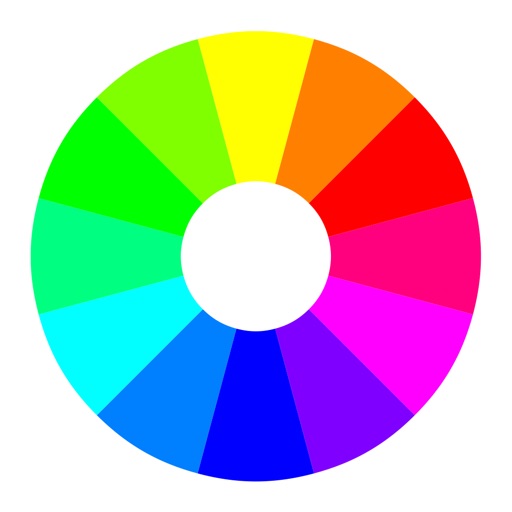
Select a starting color using the color wheel. Find matching paints from various manufacturers. Discover complementary color options. Save and share schemes for wargaming.
Focus timer allows custom session settings and progress tracking. Base64 encoding and decoding tools support API and web development. Color picker provides hex, RGB, and HSL values with color saving.