Connect your smartphone to the printer via Bluetooth. Select and edit photos for printing. Choose between -Natural Mode for standard quality or -Rich Mode for vibrant colors. Use QR Print Mode to add QR codes to prints.
Create collages with 64 layouts and custom difference templates. Add photo frames, stickers, captions, and text with font options. Edit backgrounds and export finished collages.
Edit photos with , , and AI cutout tools. Apply neon, glitch, and overlay . Add doodles, artistic text, and fun stickers. Share edited photos directly to Instagram, WhatsApp, Facebook, and Messenger.
Using artistic fonts and effects. Adjust size and shadow. Apply stickers and tattoos. Choose colors and rotate . Share edited directly to social media.
Convert photos into styles with AI technology. Upload images from the gallery and apply filters. Customize effects, add backgrounds, and save or share the edited versions.
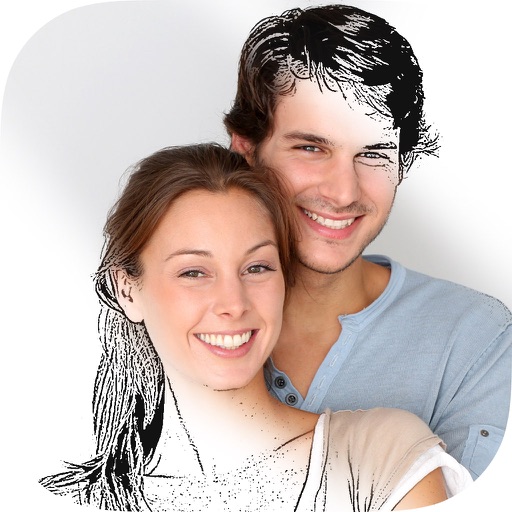
Convert photos into pencil sketches and artistic drawings using advanced drawing tools. Apply watercolor effects and customize filters. Save and share edited images in various formats.
Edit photos with vintage effects, artistic filters, and professional adjustment tools. Crop, resize, and enhance images. Add text and stickers. Export in multiple formats and share directly. No registration, ads, or watermarks.
Create collages by combining up to 16 photos. Choose from 250+ templates. Import and resize photos. Customize with backgrounds, frames, stickers, and text. Adjust angles and select from various fonts and colors.
Take photos with single-tap effects and professionally designed filters. Adjust brightness and contrast. Apply blur and focus. Rotate and crop images. Export edited photos in various formats.
Edit photos with AI cartoon filters, -to-sketch conversion, and mosaic art creation. Remove backgrounds, add drip art, and create collages. Save and share edited images directly.