Create music by rotating and positioning your device like a . Snap frequency to notes for precise tuning. Choose from three waveforms. Practice or perform with real-time sound output.
by Lennart de Meij★ 1.03 ratingsMusicFreeData updated 2026-09-09
Play music from iPhone, iPad, or iPod Touch. Display blue meters that reflect levels. Use AirPlay for wireless streaming. Access a simple, elegant interface inspired by equipment.
AV Aid detects and displays available output resolutions when connected to a projector or monitor via VGA, HDMI, or Airplay. Users can select a resolution and generate color bars or test patterns.
Tune strings with frequency display in Hz. Access chords via two swipes. Load tunings instantly for 64-bit optimization. Use tuning fork for ear-based tuning. Features LED indicator and visual feedback for string status.
Create and play music with a variety of vintage sounds. Record and compose tracks. Perform live with customizable patterns and effects. Export audio files and share directly.
Record audio notes across iOS, iPadOS, and macOS with cloud sync for cross-device access. Edit recordings, add timestamps, and organize files in folders. Share notes via email or messaging apps.
Visualizes audio signals in real time with a spectrum display. Connects to microphones or hi-Z devices via mini-jack. Measures sound frequency and amplitude. Adjusts visual settings for different sound sources. Displays real-time audio analysis data.
Learn and with interactive exercises. Practice scale loops to build muscle memory and finger dexterity. Swipe across strings to play notes and adjust speed. Use a metronome to improve rhythm. Includes tuner for staying in tune.
Edit and shape sound using three variable wave oscillators and two ladder filters. Adjust filter types and modulation settings. Use a multi-wave LFO and two modulation busses. Apply DSP-based effects for realistic analog synthesis.
Play chords and melodies using a tactile keyboard interface. Hold buttons and swipe or tap to create sounds. Access chords and notes via a grid for precise selection. Adjust pitch, harmonize, and apply real-time audio effects.
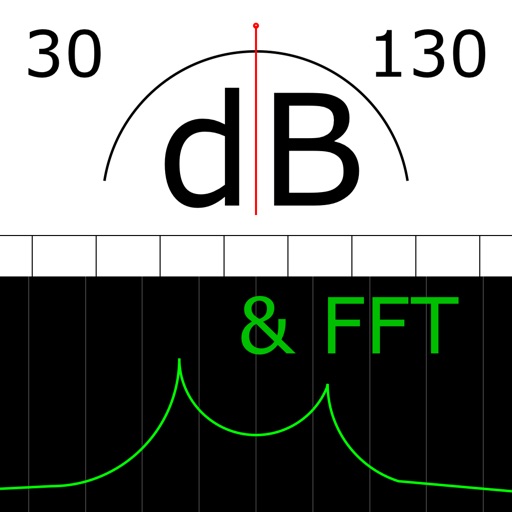
The app measures sound levels using a digital display for sound power and an analog display for fast mode. It also features real-time FFT frequency analysis with highlighted predominant frequencies and their power.
Learn notes and scales with interactive lessons. Play virtual or use real keyboard. Access sheet music and practice famous pieces. Track progress and receive feedback on performance.
Tune strings with frequency detection and visual indicators. Access smart library and tuning fork. Adjust advanced settings for sensitivity. Display LED tuning status. Works on iPhone, iPad, and iPod touch.
Play music from the 50s to 80s. Stream tracks, create playlists, and search by artist or genre. Share songs via social media. Access lyrics and historical notes about songs. Adjust volume and playback speed.
Adjust audio playback speed between 25% and 200% without pitch change. Repeat sections of music at original speed. Change tuning or musical key. Save and share modified audio files.
Measure sound levels with A-, C-, or no weighting. Display frequency spectrum. Export measurement data. Use full screen audio mode. Perform accurate and fast recordings.