
Photo + Video Editor Pic Maker
Dynasty Apps LLC
Edit videos and apply effects
Edit photos and videos with advanced auto enhance tools, double exposure, and 425 special light effects. Apply filters, add stickers, typography, and vignettes.
Showing 81–100 of 1,000 ranked alternatives.
Dynasty Apps LLC
Edit videos and apply effects
Edit photos and videos with advanced auto enhance tools, double exposure, and 425 special light effects. Apply filters, add stickers, typography, and vignettes.


Dynasty Apps LLC
Edit photos with 25 tools and effects
Edit photos with 25 tools and effects. Adjust brightness, contrast, and saturation. Save progress and undo changes. Share edited photos to social networks. Preserve EXIF data and edit geo-location. Export high-resolution images up to 3000x3000.

Vladimir Djordjevic
Set and lock screens with images
Set home screen and lock screen with pre-designed pink-themed images. Select and apply instantly. Browse a collection of , stylish backgrounds for iPhone.
Sprite Labs
Edit photos selectively with creative tools.
The app allows selective editing of photos with filters, effects, and adjustments. Users can apply multiple effects to specific areas or the entire image, offering extensive creative possibilities.

Ratha Sou
Capture with fun effects and adjust settings
Capture with real-time live effects and color presets. Apply adjustable effects and enhance colors simultaneously. Use screen flash for better results in low light. Share directly from the .

Seohyeon Lee
Apply filters, effects, and typography.
The app offers over 200 overlays and 140 filters to enhance photos. Users can add typography and artworks from a selection of over 700 artworks and 150 fonts.
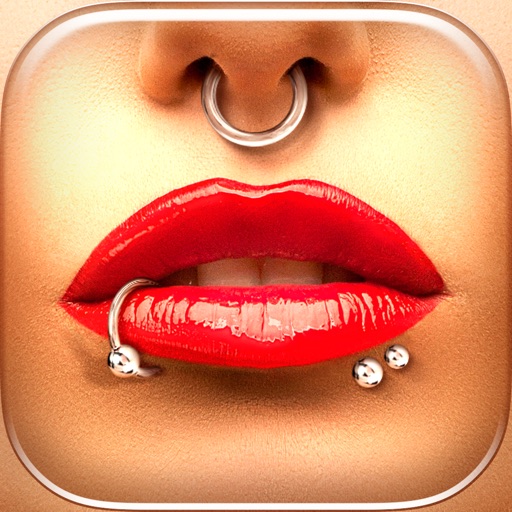
Vitaliy Odarchenko
Try styles instantly
Try different styles with realistic effects. Choose from face, ear, belly, labret, teat, and nose categories. Select from over 300 objects. Adjust placement and size for custom looks. Share edited photos directly.

Pocket Pixels Inc.
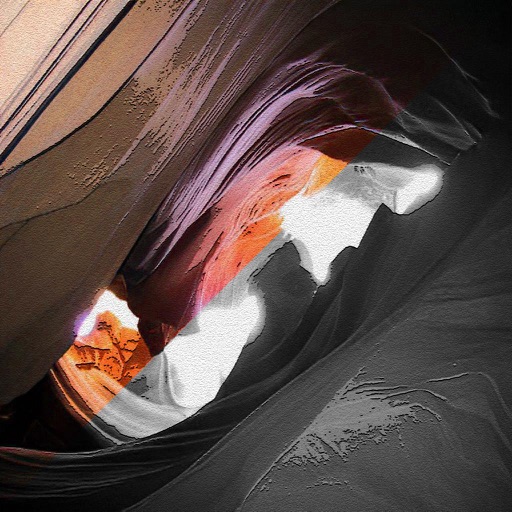
Edit photos with brushes and black-and-white effects
Edit photos by converting them to black and white and selectively retaining with a finger brush tool. Zoom in and out using two-finger pinching for precise adjustments. Share edited images via email or upload to Twitter, Flickr, or Dropbox.

HONG KONG SENRONG IMPORT AND EXPORT TRADING CO., LIMITED
Merge PDFs, split pages, convert files
Convert documents, images, and files to PDF with one tap. Split PDFs by page, merge multiple files into one, and export pages as high-resolution images. Create PDFs from images and convert PDFs to image formats.

Petri Gronlund
Edit photos with powerful HDR effects
Edit photos with HDR effects, filters, and detailed adjustments. Enhance images with powerful lighting and contrast tools. Save and share edited photos in various formats.



Jewelsapps S. L.
Create and share GIFs and videos
Create animated GIFs, videos, or Live Photos by adding and trimming multiple videos, adjusting playback speed, and layering photos. Include text and export directly. No subscription required.


Ting Tze Chuen
Create stunning videos from photos easily.
The app transforms user photos into videos using an AI that analyzes quality, faces, composition, and lighting. It offers over 40 transitions, a music library, and export options for various social platforms.

P98 LLC
Create, edit, and share images
Create and edit images with basic drawing tools. Draw freehand or use shapes and lines. Add text and colors. Save and share drawings directly. Import and modify existing images.
Apps are ranked by functional similarity, category fit, rating confidence, and popularity.