Apply blur to portraits for a blurred effect. Adjust blur intensity and tweak brightness, temperature, tint, and saturation. Use live filters during editing. Export edited photos directly.
Convert to grayscale and highlight a specific . Tap to select the to emphasize. Preserve detail and apply effects using advanced computer vision. Export edited images directly.
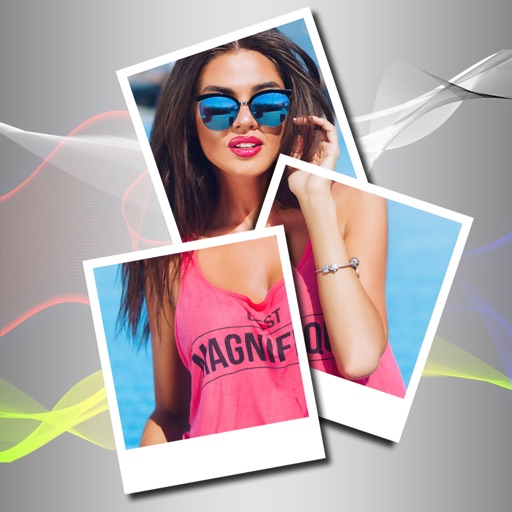
Create collages with customizable blur backgrounds and adjustable layouts. Apply filters like black and white, vintage, and retro to enhance images. Edit photos by resizing, cropping, or deleting elements.
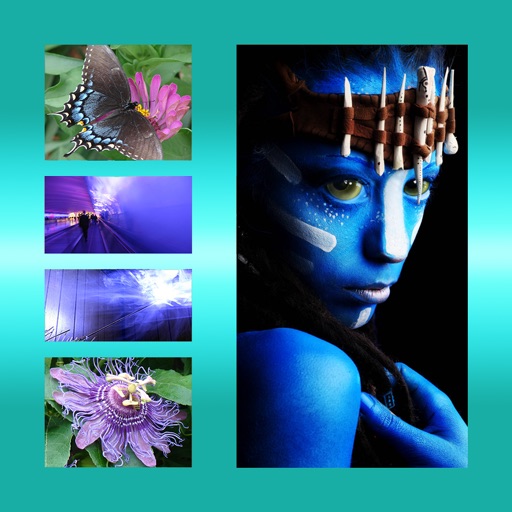
The app allows users to combine multiple photos into one framed picture. Users can adjust contrast, brightness, and saturation, add text, and apply effects.
Resize and scale images for Lock Screen and Home Screen. Apply blur, custom colors, and image fills. Use shape masks for unique effects. Export customized wallpapers directly.
The app allows users to remix personal photos to create wallpapers for iOS devices. It offers a Home Screen Test Mode and a Live Parallax effect throughout the interface for a sense of depth.
Edit photos with filters, effects, and AI tools to remove or blur backgrounds. Add stickers, text, and frames. Apply glitch, neon, and drip effects. Adjust colors and crop images. Export and share edited photos directly.
Edit photos to convert them into and with adjustable contrast, brightness, and grain. Apply filters and vintage effects. Crop, rotate, and add text overlays. Save and share edited images in various formats.
Edit photos with brightness, saturation, and contrast adjustments. Add text, stickers, and memes. Crop, rotate, and straighten images. Apply effects and frames. Sharpen or blur photos. Import images from the camera roll. Fix red tones.
Convert images and selfies into - illustrations using AI. Choose from various artistic styles including classic and modern digital art. Adjust poses and facial expressions for personalized results. Export and share the generated artwork.
Edit images to remove backgrounds using AI. Cut out objects and replace them with new backgrounds. Adjust edges for smooth transitions. Share edited images directly.
Generate images from text descriptions using an AI model. Adjust parameters to refine results. Upload existing images to use as a base for modifications. Edit generated images directly within the .
Edit photos by blurring backgrounds, faces, or specific subjects. Apply various effects and filters. Save edited images to the camera roll or share them directly.
AI enhances photos and videos with one-tap processing. Adjust brightness, contrast, and color balance. Remove blemishes and imions. Add text overlays and stickers. Export in various formats and share directly.