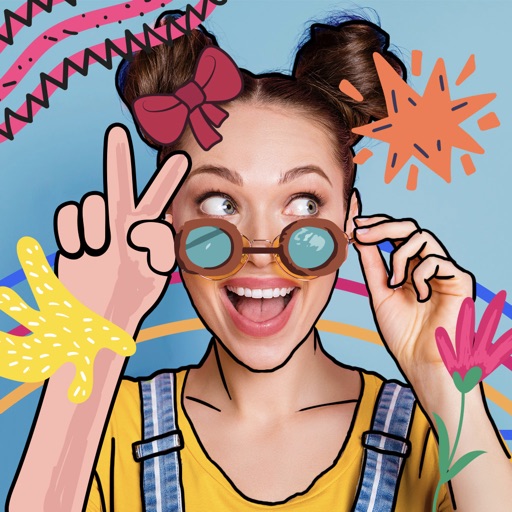
The app offers photo editing tools to adjust brightness, contrast, and saturation. Users can express creativity with brushes, stickers, and text options, and enhance images with layering capabilities.
by Meza Apps SL★ 0.00 ratingsPhoto & VideoFreeData updated 2026-11-16
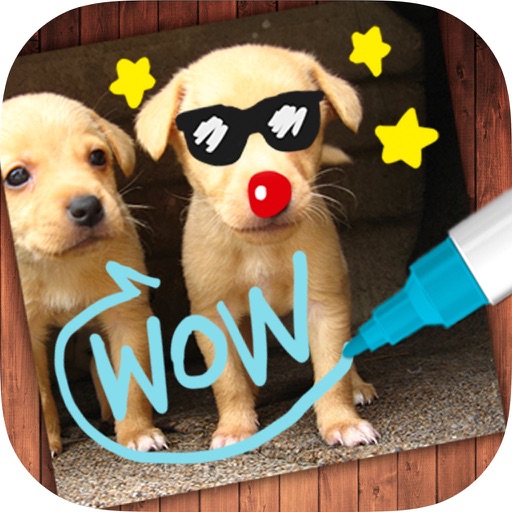
The app allows users to create images by writing notes, drawing, and adding captions. Users can select photos from their gallery or take new ones to add various drawing tools and colors.
Create AI avatars for social media profiles. Customize appearance with style options. Design virtual outfits and backdrops. Generate realistic digital personas for Instagram, TikTok, Facebook, and Snapchat.
Transform photos into cartoon, anime, painting, or fantasy styles with instant artistic effects. Upload images and apply over 100 dynamic video effects to create animated videos. Edit and share the resulting artwork or video directly.
The app offers photo editing tools including effects, frames, and stickers. Users can adjust brightness, contrast, saturation, and warmth, and also sharpen or blur images.
The app allows users to transform photos into personalized masterpieces by adding notes, drawings, and doodles. Users can also decorate images with stylish text, new backgrounds, stickers, and create sketches.
Edit photos with filters, effects, and frames. Adjust brightness, contrast, and balance. Crop, rotate, and straighten images. Add text, stickers, and drawings. Paint on photos or blank paper. Apply splash and tilt shift effects.
Edit photos with one-touch filters for vivid, delicious results. Adjust brightness, contrast, and saturation. Add text overlays and stickers. Share edited images directly to social media or blogs.