The app offers photo editing tools to adjust brightness, contrast, and saturation. Users can express creativity with brushes, stickers, and text options, and enhance images with layering capabilities.
by Meza Apps SL★ 0.00 ratingsPhoto & VideoFreeData updated 2026-11-16
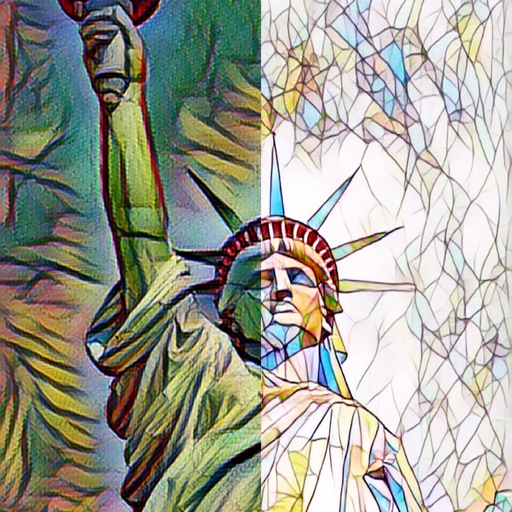
The app automatically corrects photos and offers numerous filters and styles. Users can save high-resolution images for printing and share them across various social networks and platforms.
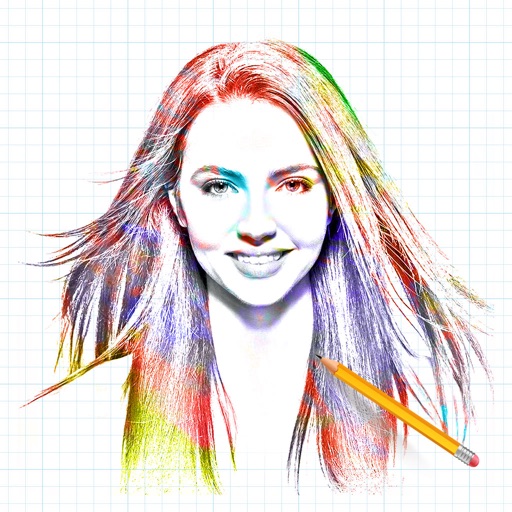
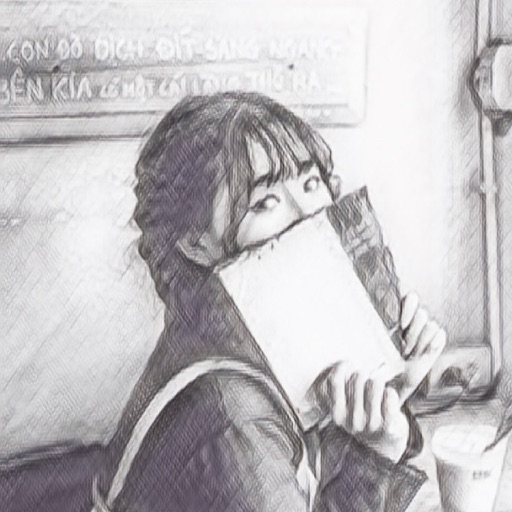
The app allows users to transform photos into artistic sketches. It provides options to apply frames and multiple effects to the created sketches before saving and sharing.
Create animated doodles by replaying the drawing process as a cartoon. Use 20+ unique paintbrushes including rainbow, neon, and flower brushes. on photos from camera or gallery. Save and view drawings in a personal gallery.
Add to photos with customizable fonts, colors, and styles. Adjust size and position for precise placement. Apply effects and export edited images directly.
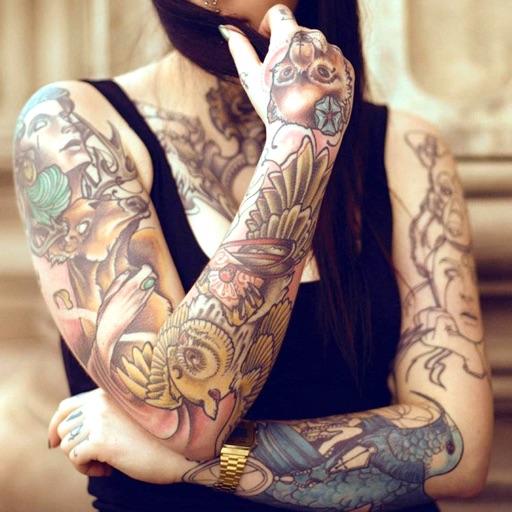
Edit photos with cropping, filters, and adjustment tools. Add tattoos and custom designs to images. Share edited photos directly or save them to your device.
Create illustrations with a spacious canvas and customizable screen settings for iPad users. Use a wide range of brushes and tools for detailed drawing. Save work automatically to the cloud and adjust panels for comfort and efficiency.
Transform photos into -style images or cartoon avatars using AI. Apply filters like toonify, face child, and reface. Edit portraits with artisan tools. nime or 3D characters. Share edited images directly.
Edit photos using AI-generated filters based on text prompts. Transform selfies and images with unique styles and magical effects. Apply AI-powered enhancements without complex tools or sliders. Share edited photos directly from the .
Create and animate doodles by drawing freely on a canvas. Playback the drawing process as a cartoon. Generate Mandala flowers and kaleidoscope patterns. Share finished artwork directly.
Allows children to draw using color selection, shape tools, and an eraser. It plays when drawing and includes a random color option. Users can change line thickness and save drawings.
Convert photos to black and white drawings for . Import photos from device or camera. Add colors using painting tools. Create drawings on blank canvas. Premium version offers more paint colors, opacity control, and outline editing. Removes ads.