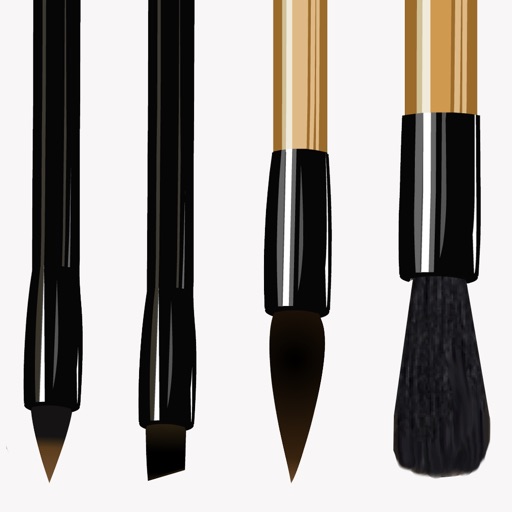
The app offers photo editing tools to adjust brightness, contrast, and saturation. Users can express creativity with brushes, stickers, and text options, and enhance images with layering capabilities.
by Meza Apps SL★ 0.00 ratingsPhoto & VideoFreeData updated 2026-11-16
Edit photos with over 1000 filters and effects. Apply artistic sketches, paintings, or cartoon styles. Add textures and vignettes. Create cards with customizable templates. Auto-enhance images and export in various formats.
Convert photos to sketches and styles with AI-powered tools. Adjust line thickness, contrast, and color tones. Save and share edited images directly. Apply filters and export in various formats.
Create animated swirling patterns and kaleidoscope artworks. Select from various brush styles and color palettes. Adjust speed and symmetry settings. Save and share generated artwork. Relax through interactive, meditative visuals.
Add vibrant color to specific image areas using the Color Splash Effect. Adjust intensity and placement. Export edited in various formats. Share directly from the .
Edit photos by converting them into anime-style images with a single tap. Apply AI-generated effects to enhance details and colors. Save and share transformed photos directly from the . Adjust settings to refine the anime appearance.
Convert photos into oil paintings, pencil sketches, and polygon art using deep art technology. Apply cartoon , sketch , and various artistic styles. Export and share transformed images directly.
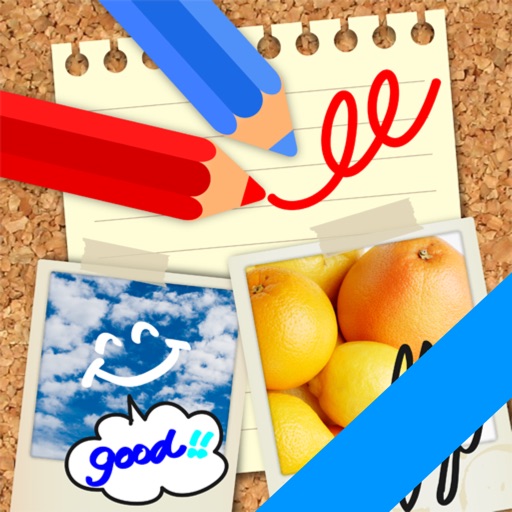
The app allows users to write notes and draw on images using a text editor. Users can select photos from their gallery or take new ones to add captions and convey messages with drawings.
Draw sketches using brushes and tools with support for Apple Pencil. Create layered artwork and zoom for detailed painting. Import and export vector images in PDF, PNG, and JPEG formats. Use color or photo backgrounds. Save artwork for later.
Create art using augmented reality features. Draw on real-world surfaces with AR overlays. Receive real-time feedback and guidance while sketching. Explore interactive tutorials and artistic tools to enhance drawing skills.
AI Art lets users create digital artwork using AI. Input text or sketches to generate art. Choose from various styles and color schemes. Adjust details to refine the output. Save and share the final artwork.
Edit images by on photos and adding text. Choose from 45 colors and five pen thicknesses. Use zoom editing and undo functionality. Share edited images via email, Twitter, and Facebook.
The app offers a universal painting experience for all ages with 140 unique brushes and special drawing modes. Users can create artwork in seconds using a variety of colors and effects, with options for saving and exporting creations.
Create animations using frame-by-frame drawing on photos. Add doodles and export as GIF or video. Share finished animations with friends. No advanced drawing skills required.