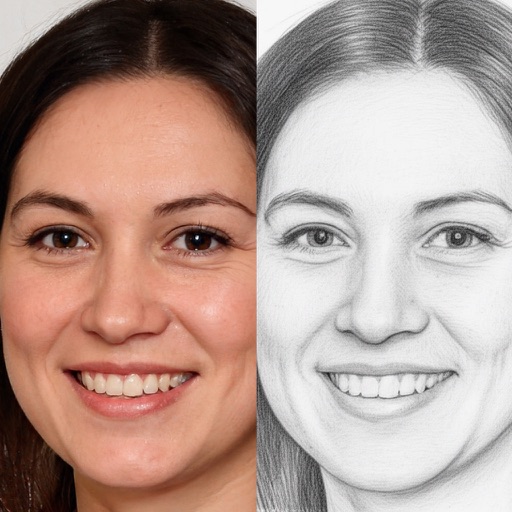
The app offers photo editing tools to adjust brightness, contrast, and saturation. Users can express creativity with brushes, stickers, and text options, and enhance images with layering capabilities.
by Meza Apps SL★ 0.00 ratingsPhoto & VideoFreeData updated 2026-11-16
Create and share digital art customizable brushes, unlimited colors, and layer support. Zoom, pan, and adjust brush parameters. Rotate, mirror, and undo steps. Participate in challenges like tracing or completing others' drawings.
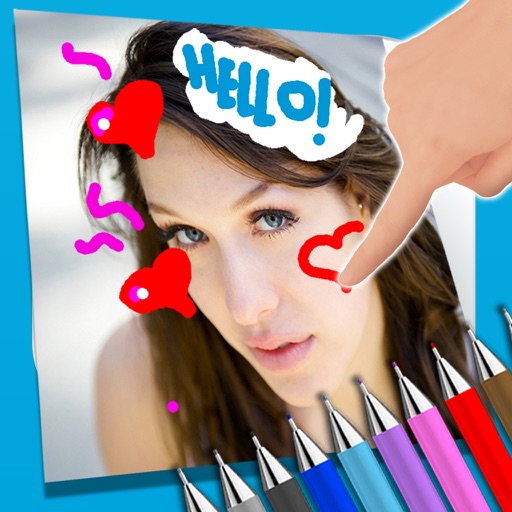
The app allows users to write notes and draw on images using a photo and text editor. Users can select from three pencil types and various colors, change backgrounds, and add captions to photos.
Convert photos to and with one tap. Apply various monochrome filters for different styles. Adjust brightness, contrast, and grain. Crop and resize images. Save and share edited photos directly.
Enhance photos with Hi-Def, Scenery, Food, Portrait, and Night modes. Apply over 100 free and purchasable filters. Add stickers, frames, and overlays. Touch up selfies with redey tool. Share edited photos directly.
Create artistic images with single-tap camera effects and professionally designed filters. Adjust brightness, contrast, and tone curve. Blur and focus images. Rotate, crop, and resize photos. Add text and fun stickers.
The app allows users to create artistic images with filters and tools. It offers features such as blur, focus, brightness, contrast adjustment, and tone curve editing.
Add text to photos using customizable fonts and captions. Overlay images with artistic artwork or choose from filters and frames. Scale and crop photos for editing. Share edited photos directly to Instagram.
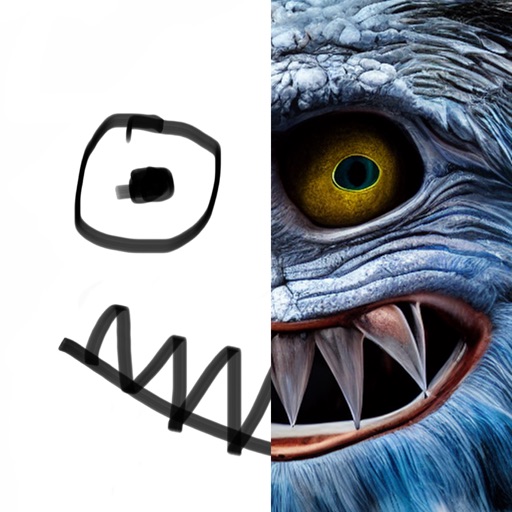
Create drawings on a blank canvas and refine them with AI to generate detailed, stylized images. Share finished artwork directly from the . Add text and stickers to drawings. Export in various formats and share via social media or email.