The app allows users to add and manipulate multiple bouncy slimes onto photos. Users can change the shape, size, and position of the slimes and share modified images.
by KENSHI DOI★ 1.01 ratingsPhoto & VideoFreeData updated 2026-11-16
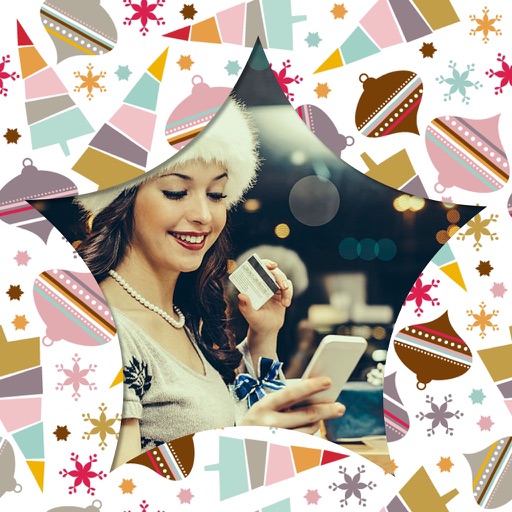
The app allows users to combine photos into frames, add stickers, and apply effects. Users can resize, move, and rotate photos to fit frames before sharing them via social media or email.
The app converts photos to grayscale while allowing users to selectively recolor portions of the image. Users can paint, zoom, and erase to create unique color splash effects and share their creations.
Edit photos by applying various frames and effects. Select images from the gallery or capture new photos. Access multiple stylish frames and decorative options. Save and share edited photos directly.
The app offers puzzles categorized into five sections: size, shape, type, pattern, and color. It includes relevant images to aid understanding and track progress with scores after each section.
Play fidget games to relieve and relax. Pop fidget to create ASMR sounds. Adjust toy settings for different experiences. Track progress and customize gameplay for personalized relaxation.
The app converts, resizes, and transforms images. It can batch process images, folders, and multiple representations, and users can create presets for operations.
Add stickers to iMessage conversations with pinch-to-resize functionality. Place stickers over text, images, or other stickers. Includes wsb and stock-themed stickers for expressive communication.
The app allows users to create document photos for passports and identity cards. It offers image editing tools, size adjustments, and multiple output options for printing.
The app adds the date, time, and GPS location to a QR image. Users can retrieve photos from their library and view picture information such as shutter speed, exposure time, aperture, and brightness.
Add borders to photos or videos using customizable templates or emoji . Apply trendy to images and videos. Edit and share content directly to social media platforms.
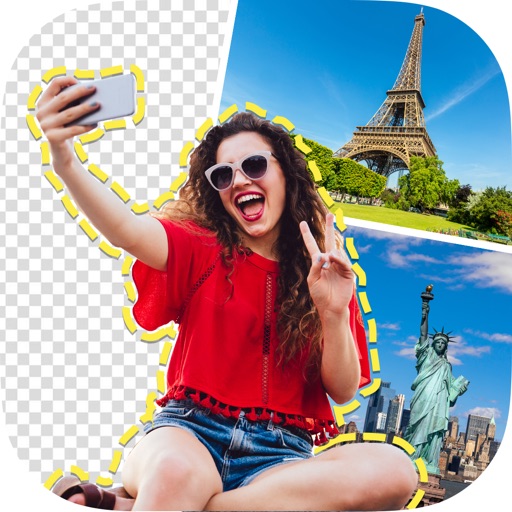
Create personal stickers by capturing photos or selecting images from your library. Draw outlines to cut out desired areas and adjust sizes. Save and share stickers directly with friends.