iPhone Screenshots
Description
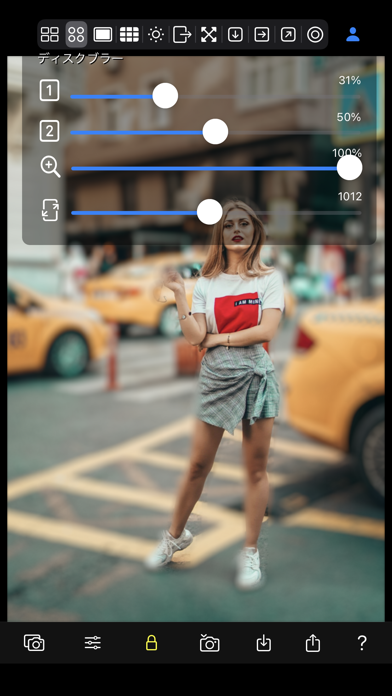
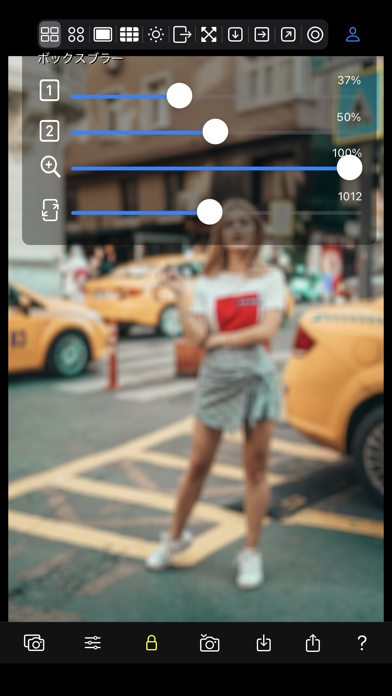
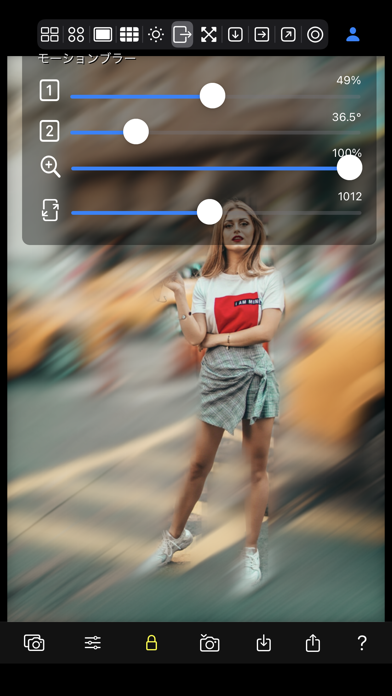
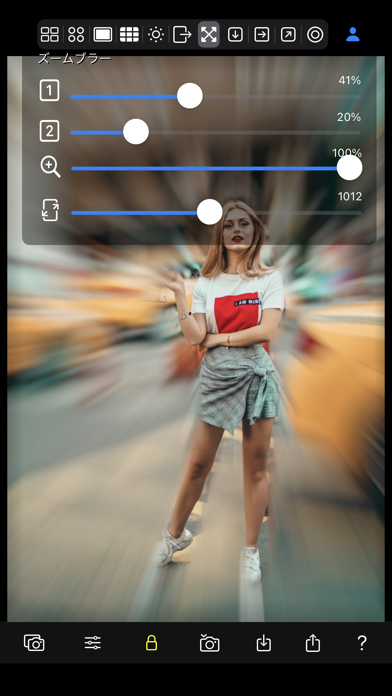
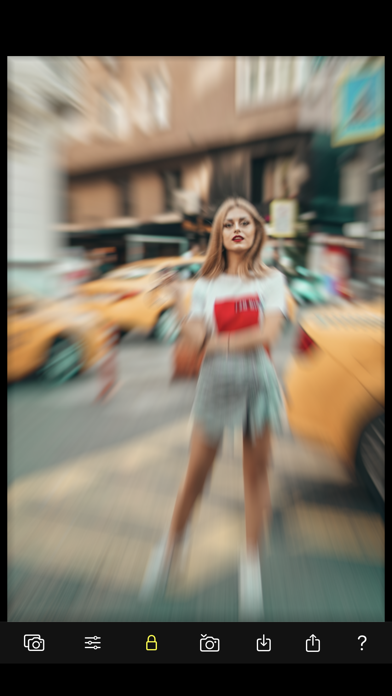
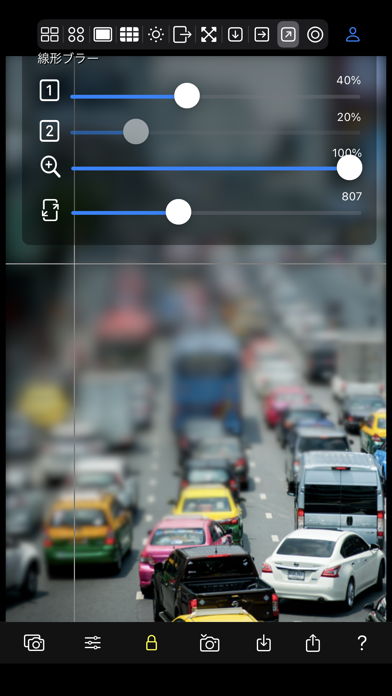
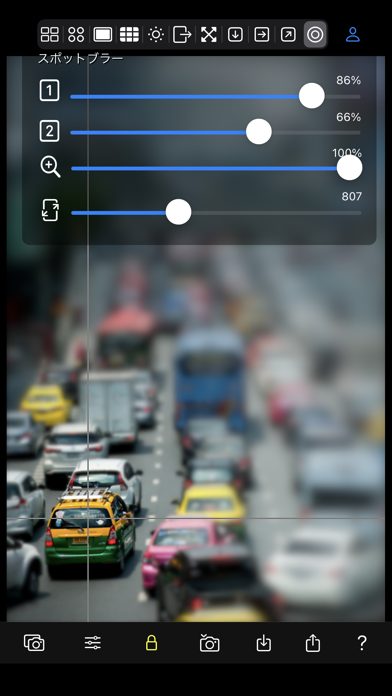
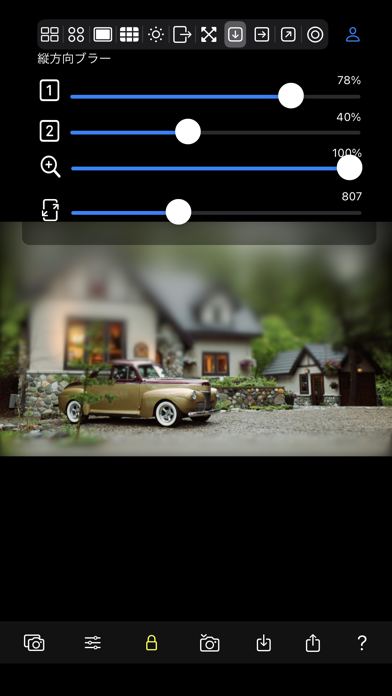
■ You can add various "blur effects" to real-time camera images and photos in your photo library.
■ You can also mask the recognized foreground and blur only the background.
■ Specifying the focus position for the blur effect is as simple as touching the photo.
■ You can copy, save, and share edited image files.
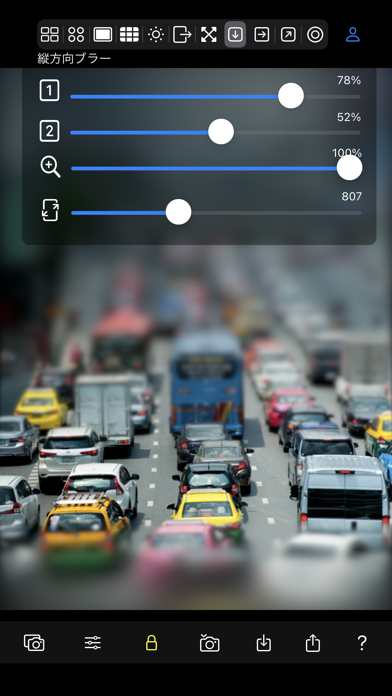
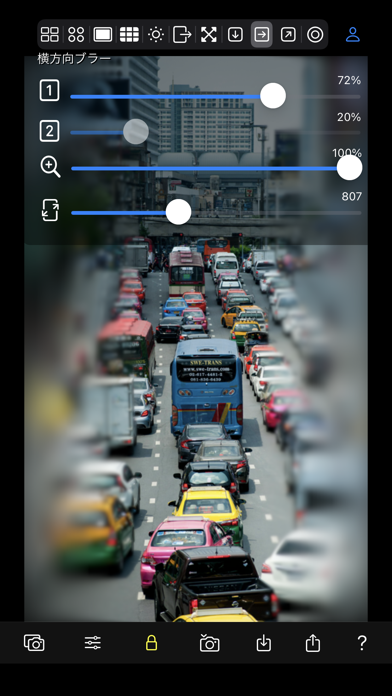
■ Equipped with over 10 types of rich blur effects such as motion blur, zoom blur, and tilt shift.
■ Equipped with brightness blur, spot blur, and noise reduction effects.
[Source Photo]
・Real-time camera captured images
・Start the camera and take a photo
・Select photo from photo album
・Import shared files from other apps
・Paste photos copied from web images, etc.
[Types of Blur Effects]
・Box Blur
・Disc Blur
・Gaussian Blur
・Noise Reduction
・Brightness Blur
・Motion Blur
・Zoom Blur
・Vertical Blur
・Horizontal Blur
・Linear Blur
・Spot Blur
[Settings]
- Blur size
- Angle, range, etc.
- Zoom
- Resolution
- Focus position
[Photo output]
- Save to camera roll: Photo
- Photo sharing: AirDrop, LINE, Facebook, Dropbox, Instagram,...