The app allows users to add and manipulate multiple bouncy slimes onto photos. Users can change the shape, size, and position of the slimes and share modified images.
by KENSHI DOI★ 1.01 ratingsPhoto & VideoFreeData updated 2026-11-16
Play with 50+ interactive mini-games designed for relaxation. Tap buttons, draw with chalk, swipe in water, and more. Enjoy sounds like bamboo chimes and wooden box interactions. Divert attention with simple, calming activities.
Apply effects like , Doodle, and Hatch to photos. Add photo frames to edited images. Use Photo in Photo feature to overlay sketches on original photos. Edit and share modified photos directly.
The app allows users to add text and image watermarks to photos. Users can also resize, rotate, adjust color, and apply special effects to multiple images simultaneously.
Add stickers and effects to iMessage conversations. Resize stickers with pinch gestures. Include Day . Place stickers over messages, images, or other stickers. Share emotions and ideas through humor and visual effects.
The app offers a variety of tools for photo editing, including filters, effects, stickers, and text options. Users can easily share their edited images to social media platforms.
The app allows users to add 25 different poses and looks of Rihanna to their photos. Users can resize and adjust these images, which have been edited for realism.
Greeting photos with pre-designed text options. Add effects to text for better visibility. Edit and enhance selected photos. Share finished greeting images with family and friends.
Create albums and collages with customizable text, fonts, and colors. Add stickers, , and backgrounds. Design greeting cards with personal messages. Edit images with predefined styles and categories. Share edited photos directly.
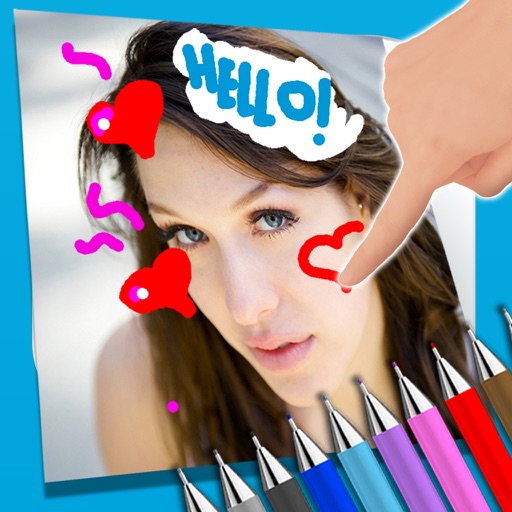
Create images by drawing on photos or images from the device album. Choose pencil styles and adjust saturation. Control zoom, pencil size, and brush settings to customize sketches. Export and share finished drawings.
The app allows users to write notes and draw on images using a photo and text editor. Users can select from three pencil types and various colors, change backgrounds, and add captions to photos.
Create by mixing virtual ingredients like clay, glue, and foam. Adjust texture and color. Listen to sounds. Squeeze and stretch for stress relief. Save and share creations. Play with fidget toys and magic games.
Convert photos to PDF documents by importing from camera, library, or files. Rearrange and rotate images before conversion. Customize PDF quality and paper size options. Export and share the resulting PDF files.
The app allows users to write notes and draw on images using a text editor. Users can select photos from their gallery or take new ones to add captions and convey messages with drawings.