Apps Like Pixel Picker - Image Color Picker for iPhone and iPad
Select colors from images
Show information from images on your device. Import photos from the Photos or Adobe Creative Cloud with an Adobe account. Use the iOS extension to access images in Photos and other sharing apps. Pan, pinch, and zoom to view RGB values.
by Andrea Bizzotto★ 4.4178 ratingsUtilitiesFreeData updated 2026-09-09
Customize home screen with , icon sets, and widgets. Add frames, filters, stickers, and text to photos. Crop images and change colors of icons. Choose from various and icon galleries. Set preferred icon sets for quick access.
Convert raster images to editable drawings with custom filters for various styles including grayscale, two-tone, Pop-Art, and polygonal shapes. Edit vectors with advanced tools, adjust colors, and save or share the results.
Create vector art using Bézier tools and Apple Pencil. Convert sketches or photos to SVG format. logos, icons, illustrations, and UI assets. Export vector files for production use. Refine curves and edit vector drawings directly.
Create detailed technical illustrations and artistic designs with vector editing tools. Draw, reshape, and color elements with precision. Import and export files in multiple formats. Use layers, masks, and effects for advanced design work.
Add grids to images with 5 types including rectangle and square options. Customize lines with RGB colors. Adjust rows and columns or set row height and column width. Export edited images.
Focus timer allows custom session settings and progress tracking. Base64 encoding and decoding tools support API and web development. Color picker provides hex, RGB, and HSL values with color saving.
Add text, signature, image, or logo watermarks to photos and videos. Choose from multiple fonts and colors for text. Import trademarks from photos. Apply full-screen watermarks easily.
Edit photos with selective colorization effects. Adjust images using pinch to zoom and pan for detailed editing. Apply AI-powered styles automatically. Convert images between grayscale and color. Share via email or album.
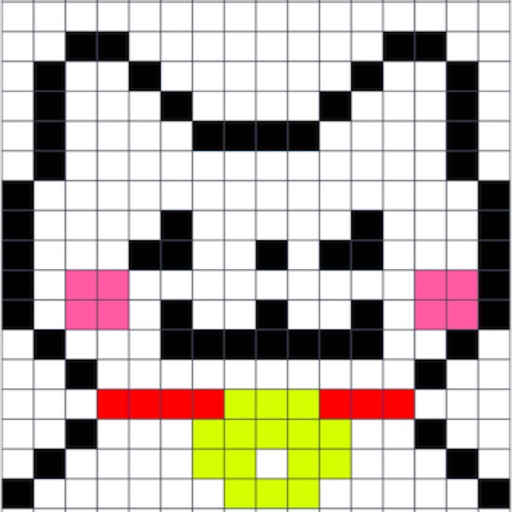
Create art with a simple interface. Tap to draw and access basic tools for designing SNS icons, game skins, or craft patterns. Export artwork for use in perler beads, cross-stitch, or knitting projects.
This sketch app allows users to import a photo as a sample to sketch a portrait. The app includes 23 brushes, a color picker, and pinch-to-zoom functionality.
Create and customize tier lists with support for up to 2,000 tiles and 50 tiers per list. Add images via search, paste, drag-and-drop, camera, or photo gallery. Include multiple text labels on tiles. Export and share tier lists directly.
The app allows users to pick any color from their screen with a magnifier. It displays the color's Hex and UIColor values, ready for copying into code.
Create digital art with 105 tools including pens, pencils, and brushes. Import and edit photos. Add text and rotate elements. Customize brush settings. Use customizable canvases. Save and share artwork.
Create expressive sketches, rich paintings, and detailed illustrations. Use hundreds of handmade brushes and an advanced layer system. Animate with the Valkyrie graphics engine. Edit and export artwork in multiple formats.
Select colors from photos or via camera. Convert colors between RGB, HEX, CMYK, and other formats. View CSS and RAL color lists. Test for color blindness. Save and edit color values. Supports Afrikaans, Arabic, and Bangla.