Apps Like Background Eraser 〜 Stickers for iPhone and iPad
Edit photos and remove backgrounds
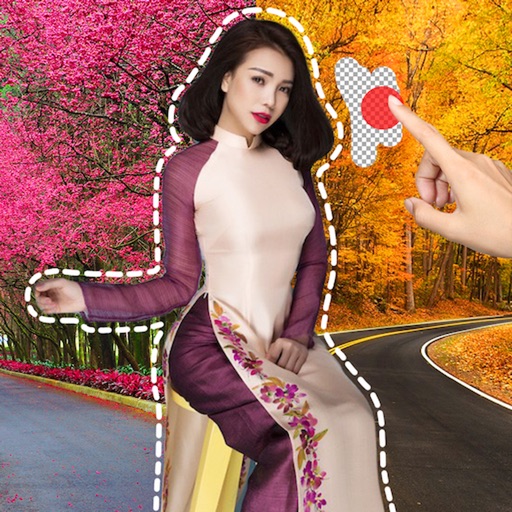
Remove from images using AI-powered auto cutout. Star mode enhances edge detection for precise erasing. Auto mode automatically deletes similar pixels. Export transparent images for use as in other apps.
by handyCloset Inc.★ 4.741,361 ratingsPhoto & VideoFreeData updated 2026-09-09
Remove backgrounds from photos using AI technology. Replace backgrounds with photos from the library, captured images, or selected colors. Adjust settings for precise edits. Export edited images directly.
Image backgrounds quickly by uploading single or multiple files. Automatically detect and backgrounds in seconds. Adjust background color, make it transparent, or replace with a solid color. Save or share edited images directly.
Remove backgrounds from photos using AI-powered auto-detection. Cut out subjects with one touch. Export as high-quality PNGs with transparent backgrounds. Edit images by adjusting edges and refining details. Save and share edited files directly.
Allows users to apply effects to backgrounds. Select images from the gallery or capture new photos. Use multiple blurring tools to adjust the effect. Export edited images directly.
Allows users to restore damaged photos using AI algorithms. Users can remove scratches, blur, and discoloration. The enhances visual clarity and transforms old photos. AI filters and creative styles can be applied for artistic effects.
Edit photos with AI cartoon filters, -to-sketch conversion, and mosaic art creation. Remove backgrounds, add drip art, and create collages. Save and share edited images directly.
Edit photos by applying -themed frames from a collection. Select images from the camera or gallery. Add text to personalize messages. Share edited photos directly.
Turn photos into cartoons using AI-powered effects. Pixelate images for pixel art styles. Remove and replace backgrounds instantly. Add rounded borders for profile pictures. Export edited photos in various formats.
Remove unwanted , people, text, or distractions from photos. Use AI to automatically elements with a tap. Edit images by selecting areas to delete and refine the result. Save and share the cleaned-up photo directly.
Edit photos with filters, cropping, and adjustments. Change backgrounds and add stickers. Create collages and customize . Design Facebook and Instagram posts and stories. Export edited images in multiple formats.
Remove backgrounds from photos using AI-powered automatic detection. Manually adjust removal for precision. Use the lasso tool to select and remove specific areas. Export edited images in various formats.
Edit photos with AI-powered tools, object removal, and background changes. Apply artistic styles and one-tap enhancements. Export edited images in multiple formats and share directly.
Remove image backgrounds using AI for transparent effects. Edit photos by cutting specific areas manually. Add new backgrounds, text, and stickers. Create profile pictures with customizable options.
Backgrounds from photos for professional product images. Apply pre-designed templates for shopping. Add stickers and create collages for social media platforms. Export edited images directly.
Edit photos and videos by automatically recognizing and processing backgrounds. Choose from four recognition methods including transparency, blur, and replacement. Process only the subject or apply effects like fluffy, mosaic, monochrome, or sepia.