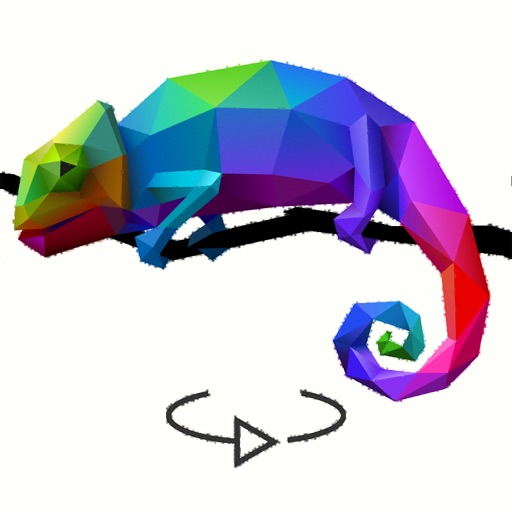
The app transforms photos into polygonal art with real-time low-poly camera capture. It offers multiple shape and resolution options, edge detection, custom mesh editing, and high-resolution export.
by Daniel Eke★ 4.56 ratingsPhoto & VideoFreeData updated 2026-11-10
Edit photos with AI cartoon filters, -to-sketch conversion, and mosaic art creation. Remove backgrounds, add drip art, and create collages. Save and share edited images directly.
Set desktop and mobile with high-resolution images of cats and kittens. Choose from categories like blue-eyed kittens, pusheen cat , and cheshi cat backgrounds. Download and apply images directly to devices.
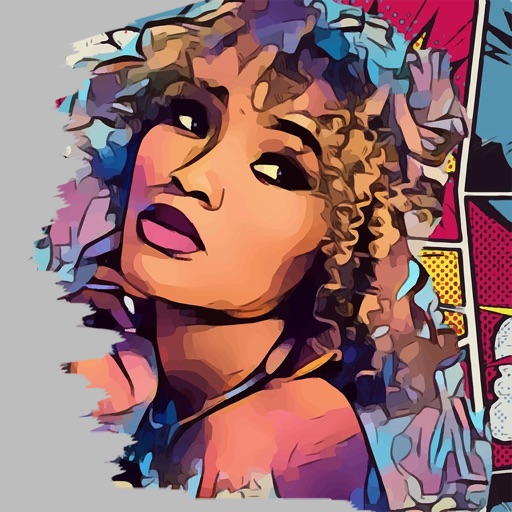
Transform photos into paintings using 120 unique painter styles. Apply oil , cartoon, pencil sketch, and pop art filters. Edit and share the final artwork directly.
Create and customize 3D art shapes to express creativity. Explore interactive art to reduce stress. Share completed artworks on social media. Send personalized messages with visual effects.
Create art in a retro 80s style. Design simple or complex drawings and animations. Share with others. Customize sticker size and color. Add text and effects. Export and send via messaging apps.
Choose coloring pages from a gallery or convert photos into pixel art. pixel-art images by numbers. Create mosaic puzzles piece by piece. Earn achievements for completed pictures. Discover new artwork regularly.
Resize and crop images with precise aspect ratio control. Batch process multiple files for efficiency. Export in various sizes including @2x and @3x. Edit metadata and prepare images for social media or professional design use.
Create art using three colors on an 8x8 grid. Match numbered squares with color pixels. Rotate the canvas to change drawing colors. Undo mistakes. Share completed puzzles.
Convert photos into -style artwork using AI technology. Adjust style settings and apply filters. Save or share the edited images. Create avatars from photos. Export in various image formats.
Create custom designs using ready-made templates and editing tools. Adjust colors, add text, and crop images. Export designs for printing and share directly with clients or social media.
Browse and save high-resolution wallpapers offline
View and manage high-resolution wallpapers offline. Browse a collection of images with a clean interface. Navigate through categories easily. Save selected images as iPhone wallpapers. No internet connection required.