
Image resizer, converter iSize
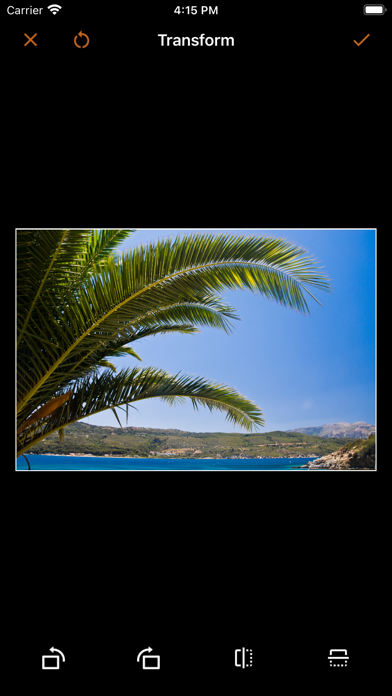
Resize images, crop, transform, and print
VeprIT
iPhone Screenshots





Description
Resize and crop images with precise aspect ratio control. Batch process multiple files for efficiency. Export in various sizes including @2x and @3x. Edit metadata and prepare images for social media or professional design use.
iSize: Advanced Image Converter
Effortlessly resize, crop, transform, and print your photos with precision. Edit metadata, prepare images for social media, or handle professional graphic design tasks—all in one flexible tool.
Key Features
• Advanced Resize: Choose how to handle the image aspect ratio change, enlarge images, and more.
• Batch Resize: Process multiple images at once to save time.
• Export in Multiple Sizes: Create images for every need, for example @2x and @3x.
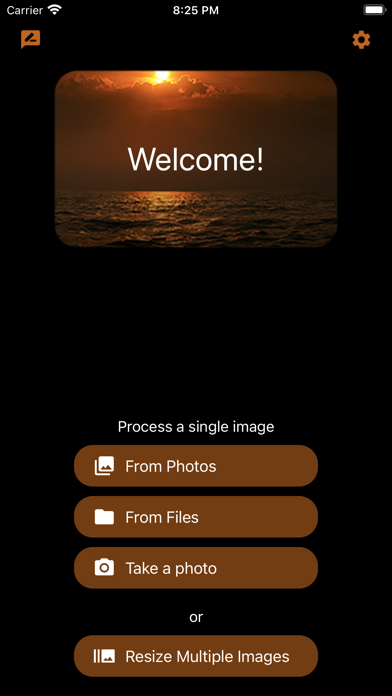
• Seamless Import: Pull images from Photos, Files, or your camera.
• Transparent Image Support: Perfect for logos and design work.
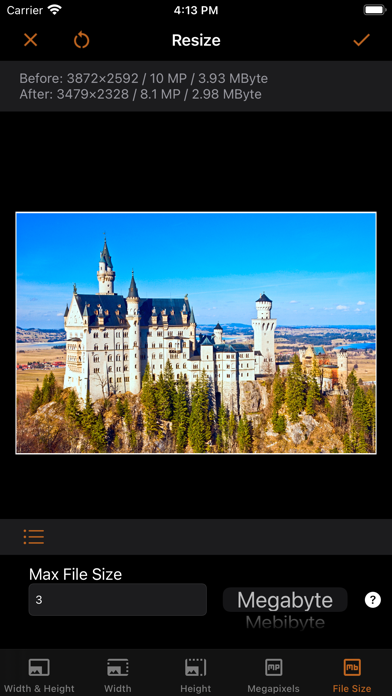
• Live Previews: See pixel dimensions, megapixels, and file size before exporting.
• Time-Saving Presets: Customize and sync presets across your devices via iCloud.
• Metadata Editing: View and modify EXIF, IPTC, GPS data, and more.
• Printing: Print at exact dimensions or scale to fit the page.
Try it for free!
----
Advanced Resizing Modes
Tailor image size to your needs with these flexible options:
• Define width, height, or both.
• Set resolution by megapixels (e.g., create a 5 MP image).
• Limit file size (e.g., keep images under 1 MB).
Handle aspect ratio changes with:
• Cropping (customize to your liking).
• Deformation.
• Border addition in any color.
For small images, enlarge with AI or add borders to meet size requirements.
Define dimensions in:
• Pixels, percentages, inches, centimeters, or millimeters.
For printing, specify resolution in:
• Pixels per inch (PPI).
• Pixels per centimeter (PPCM).
Set file size limits in:
• Bytes, kilobytes (KB), kibibytes (KiB), megabytes (MB), or mebibytes (MiB).
----
Supported Formats
Save images in:
• JPEG, HEIC (iPhone 7 or later), TIFF, PNG, GIF, or BMP.
Customize format-specific settings:
• Compression quality for JPEG and HEIC.
• Lossless compression for TIFF.
Control file size with precise format adjustments.
----
Terms of Use: https://veprit.com/eula.html
Privacy Policy: https://veprit.com/VeprIT-PrivacyPolicy.pdf