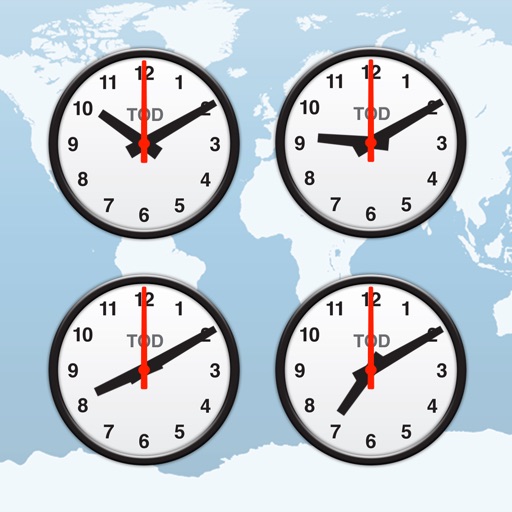
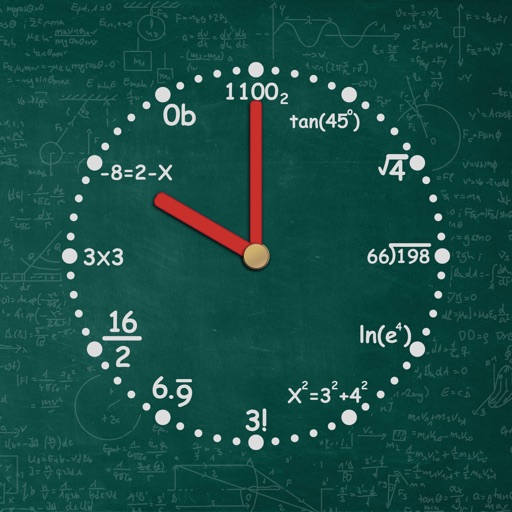
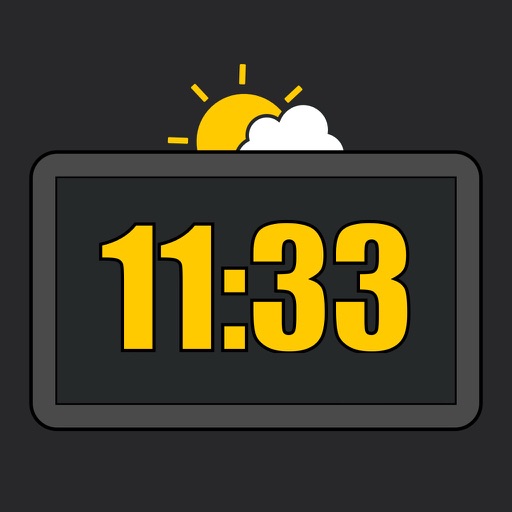
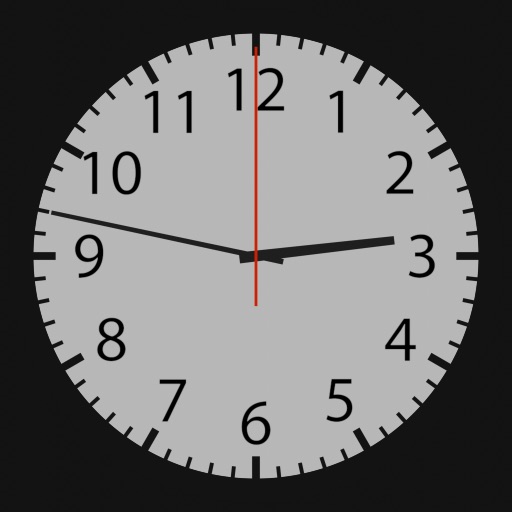
Fetches accurate time from an server. Automatically detects and adjusts to your time zone. Allows users to set custom images as background. Switch between digital and analogue views by swiping.
Track time zones with a world clock displaying 64,000 cities. View interactive maps with customizable themes. Check moon phases and enable clock chimes. Use location tracking to update time based on current position.
Set alarms with customizable for the icon, , and interface. Choose multiple tones and preset volumes. Lock alarms to prevent silencing. Add personalized music to sounds. Adjust for the and interface.
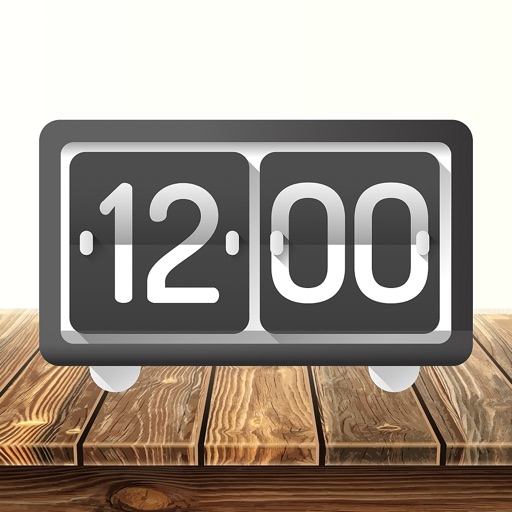
Display time using LED-style buttons representing values for hours, minutes, and seconds. Toggle between 24-hour and 12-hour modes. Set alarms, use countdown timers, and choose beep sounds. Customize button colors for visibility.
Provides quick access to apps, , and shortcuts on the Home Screen, Lock Screen, and Notification Center. Users can customize layouts, set up shortcuts, and manage .
Set alarms and timers with customizable sounds. Display current time and date. Adjust brightness and sleep mode. Sync with other devices for shared alarms.
Calibrate radio-controlled watches or clocks by transmitting accurate time signals. Select from global stations including WWVB, JJY, BPC, MSF, and DCF77. Place the device near the iPhone/iPad speaker for manual reception and synchronization.
Set wake-up time and choose preferred sounds. Features include a for reliable waking, sleep pattern personalization, and a always-on display for easy time checking.
Turn your iPhone or iPad into a functional watch with a always-on . Adjust brightness manually. Set countdown timers up to 24 hours. Use Pomodoro Technique with 25-minute intervals and 5 or 10-minute breaks.
The app announces the current time at specified intervals in multiple languages. Users can customize the background, color scheme, and clock face, with over 20 options available.