Draw art with grid sizes from 8x8 to 256x256. Use a limited color palette of up to 32 colors. Import photos to pixelate them. Create animations by copying frames. Zoom in or out to adjust art details.
by Yoshiyuki Hirose★ 4.810,458 ratingsLifestyleFreeData updated 2026-09-09
Create custom art pieces using color-coded resin rhinestones and a velvet canvas. Include a applicator, pen grip, multiplacer, wax pad, and detailed instructions. Complete kits arrive pre-packed and ready to use.
Create templates for pixel-based creative projects by selecting and scaling images from the photo library. Crop using pinch gestures. Choose from predefined palettes and set output size.
Color and draw with Millie Marotta's illustrations
Allows users to explore detailed illustrations of plants and animals. Choose from three themed packs. Use finger or Apple Pencil for drawing. Adjust colors and shades with specialized tools. Save and share completed artwork.
Test with syntax highlighting and match visualization. Customize highlight colors and view results in a list. Perform replacements and choose from light or dark themes. Access a cheatsheet for operators and metacharacters.
Colors by snapping photos, browsing galleries, or selecting digital palettes. Find accurate suggestions for outfits or home decor. Determine if clothing colors suit your palette and receive recommended choices.
Control smart lights with scheduling, scene setup, and voice integration. Adjust brightness, color, and temperature. Automate routines and manage multiple devices without a hub. Set wake-up schedules and customize lighting for different activities.
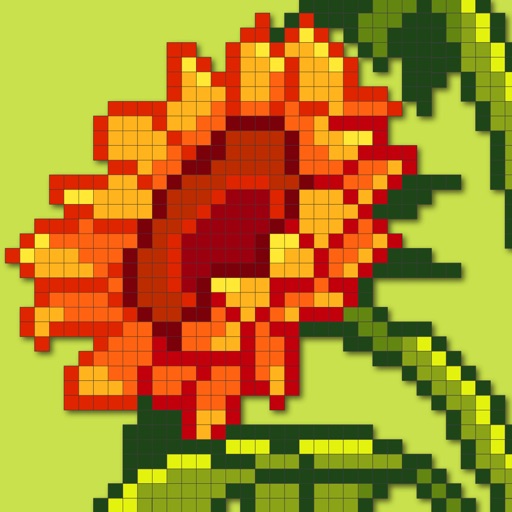
Solve nonogram puzzles by coloring blocks to reveal pixel-art images. Choose from multiple puzzles. Track progress and revisit completed puzzles. Share achievements with friends.
Create colorful designs using art effects with 48 unique brushes and 48 shapes across six categories. Use symmetry and inverse drawing modes for creative effects. Apply dynamic textures and -off particles for realistic results.
Control and monitor smart devices remotely. Adjust settings, view device status, and receive notifications. Connect products to the internet quickly. Manage multiple devices through a centralized interface.
Allows users to trace images from photos or built-in libraries. Features include applying filters to enhance accuracy, selecting and adjusting images, and creating one-of-a-kind drawings on paper.
Upload photos to create custom patterns. Adjust scheme size and color count. Select fabric and floss brands. Control stitch type and advanced settings. Export patterns for embroidery.
Resize images to dimensions without aspect ratio constraints. Import, adjust output size, and export immediately. Use presets for batch exports. Supports screenshots for Xcode, Instagram, Facebook, Store, and personal use.