Draw art with grid sizes from 8x8 to 256x256. Use a limited color palette of up to 32 colors. Import photos to pixelate them. Create animations by copying frames. Zoom in or out to adjust art details.
by Yoshiyuki Hirose★ 4.810,458 ratingsLifestyleFreeData updated 2026-09-09
Coloring by allows users to select from various themed artworks like flowers, animals, and landscapes. Choose colors for each numbered section to fill in the image. Save and share completed artwork.
Convert images into -stitch patterns by uploading and converting them. Edit patterns with color and pixel settings. Choose canvas and thread manufacturer. Save as PDF. Adjust grid visibility and highlight colors.
Create 2D and 3D designs for interiors and outdoor spaces. Add furniture and materials from a large catalog. Customize colors, textures, and layouts. Adjust views and export designs for review.
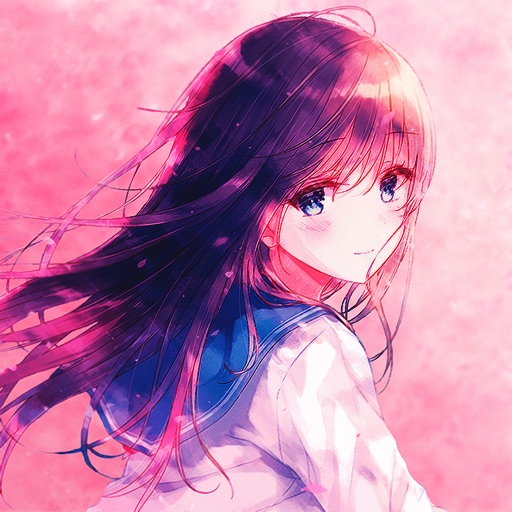
The app provides HD wallpapers and avatars for ACG fans. It features a weekly updated collection with wallpaper resolution greater than 1080 pixels and avatar resolution greater than 500 pixels.
Create art by placing pixels on a canvas. Choose from various images like unicorns, dinosaurs, and food. Draw following numbered guides to fill sections. Receive feedback with a satisfying click sound when diamonds are correctly placed.
Apply filters inspired by real color film prints to photos and videos. Adjust colors pixel by pixel for realistic results. Save images in high resolution without quality loss. Compatible with editing software like Premiere Pro and Photoshop.
Video allow editing with watermarks and doodles, exporting and deleting background music, and converting videos to livephotos. Image generate word cloud, polygon, and block-style wallpapers from keywords or images.