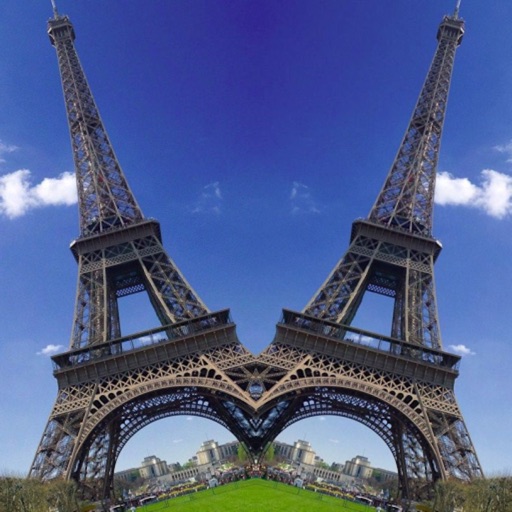
The app allows users to apply an iOS8 blurred effect to pictures. Users can get a photo from the Camera Roll or take a new one, apply the filter, and then save or share it.
by Miguel Lorenzo★ 1.01 ratingsPhoto & VideoFreeData updated 2026-11-05
Edit photos with filters, cropping, and brightness adjustments. Add text, stickers, and borders. Export in various formats and share directly. Adjust colors and apply effects for enhanced visuals. Simplify editing with an intuitive interface.
Edit photos with frames, stickers, and creative collages. Apply effects like glass, hand, and board. Adjust brightness, contrast, and saturation. Share edited photos directly.
Apply thematic with 18 styles, each offering 20 variations. Use grid combinations to blend multiple . Add graphics and art for creative . Customize with multi-functional tools. Export edited images in various formats.
Apply AI-generated art filters to photos using style transfer technology. Adjust brightness, exposure, and temperature for fine-tuning. Save and share edited images directly.
Edit photos by selecting from the gallery or using the camera. Apply multiple frames and effects. Adjust position, size, and angle. Save edited images and share via social media or email.
Record audio and apply like Devil, Robot, Cave, and DrunkMen. Modify recorded audios and share them via social media, Bluetooth, or email. Add background for enhanced audio experience.
The app allows users to create photomontages using various tools. Users can adjust image properties like hue and brightness, apply filters, and edit photo elements.
Resize images to fit various formats like Instagram posts, stories, Facebook covers, or custom ratios. Adjust aspect ratios manually or select preset options. Apply Fit or Fill modes to scale images without cropping or stretching.
Select a or take a new one with the camera. Choose from over 30 colorful to decorate images. Apply different frame styles and designs. Save edited photos to the gallery and share them on social media.
Add frames, patterns, colors, and blur effects to profile pictures. Adjust background color and apply instant DP borders. Resize and rotate images for Instagram. Post full-size photos without cropping. Create images for social media.
Try on by taking a face-on photo. Apply products like lipstick, eyeliner, and eyeshadow. Customize foundation and concealer. View realistic results before purchasing. Adjust with sliders and buttons.
The app creates black and white photos from the photo library or directly using the iPhone camera. Processed photos are saved in original size with a polished user interface.
The app processes iPhone camera preview in real time with effects like sketch, sepia, and thermal camera. Users can choose front or rear cameras and save or share photos.
Edit by selecting from the gallery or taking a new photo. Adjust images to a square format. Add text with customizable fonts, colors, and borders. Move, rotate, and scale text. on with finger input.
Import videos and apply effects with presets like Small Room, Medium Hall, and Underwater. Adjust Wet/Dry mix for effect intensity. Create custom and delay settings. Export videos in original size or lower resolution.