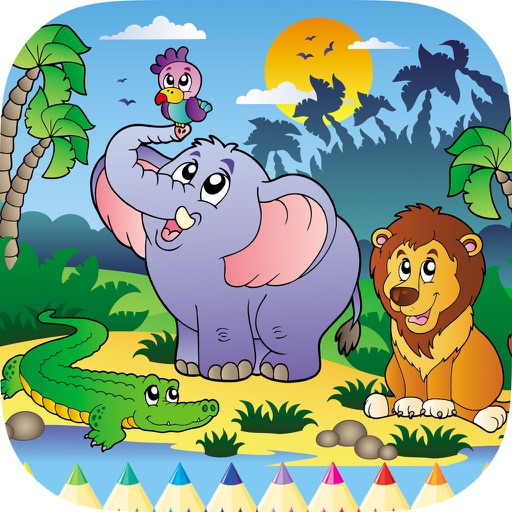
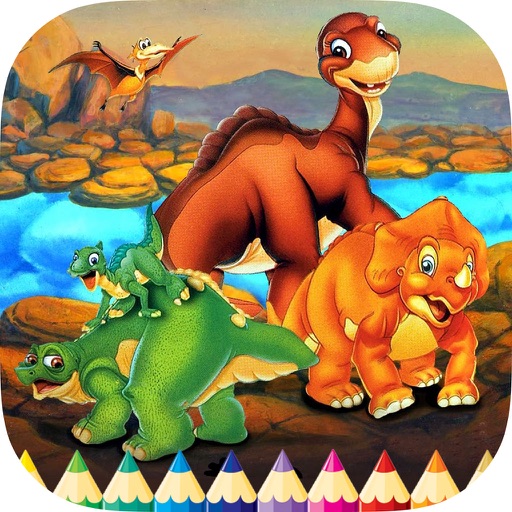
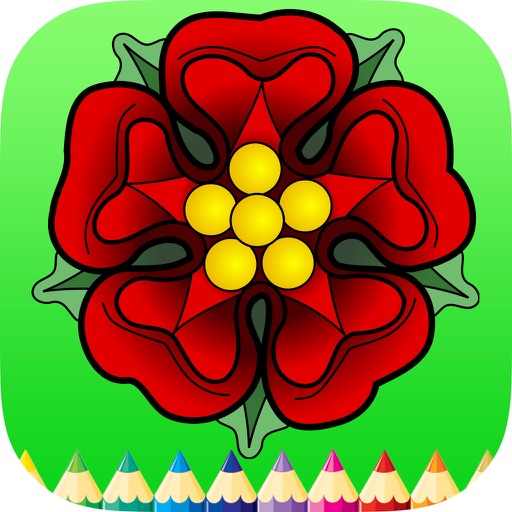
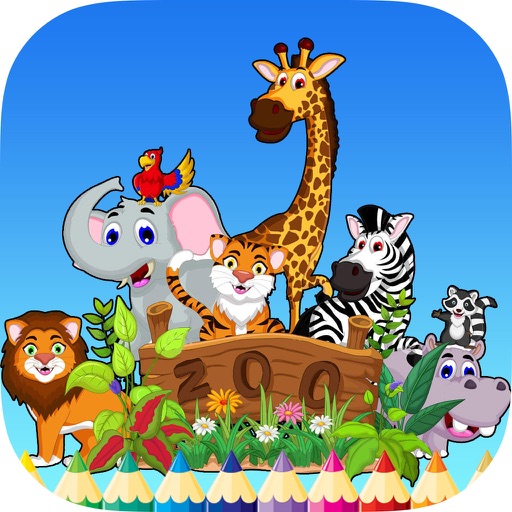
The app helps children develop focus, attention, and precision through over 120 drawing templates. It enhances observation and logical thinking with five game modes and two difficulty levels.
Allows users to illustrations of a . Features include selecting colors, saving progress, sharing completed artwork, and accessing educational content about colors and creativity. Designed for children aged preschool to first grade.
Create intricate designs, patterns, and mandalas using intuitive drawing tools. Use a single stroke to generate complex artwork. Access a variety of brushes and color options. Save and share creations directly.
Read and annotate PDF documents with highlighting, commenting, and note-taking features. Collaborate in real time with others through integrated chat. Export and share files directly. Sync with cloud services for seamless access across devices.
Create and edit vector drawings and illustrations. Import and export files from cloud services. Design logos, posters, and technical drawings. Use multiple windows on iPadOS. Enable dark mode for system settings.
The app provides vector drawing tools and flipbook-style animation. Users can create frame-by-frame animations or single-frame vector artwork with various drawing tools and shape options.
Create detailed technical illustrations and artistic designs with vector editing tools. Draw, reshape, and color elements with precision. Import and export files in multiple formats. Use layers, masks, and effects for advanced design work.