Create expressive sketches, rich paintings, and detailed illustrations. Use hundreds of handmade brushes and an advanced layer system. Animate with the Valkyrie graphics engine. Edit and export artwork in multiple formats.
Edit PDFs by adding text, shapes, comments, and highlights. Merge, split, compress, convert, rotate, unlock, and watermark PDFs. Import files from cloud services like Drive, Box, and OneDrive. Annotate and read PDFs with customizable tools.
Add timestamps, dates, and captions to photos and videos. Include custom logos as watermarks. Organize and share media with editing tools. Verify media accuracy with added metadata.
Turn real-world images into sketches using . Capture photos and apply freehand artwork with intuitive tools. Edit and refine sketches directly on the canvas. Share finished drawings via social media or email.
Learn to sketch figures and garments with step-by-step guidance. Create and manage layers for detailed illustrations. Use AI tools to generate clothing and accessories in specific styles. Add body types including models, women, men, and plus size.
Create and edit and drawings for home screen and lock screen widgets. Draw with Apple Pencil or finger, type with keyboard. Customize backgrounds, colors, fonts, and zoom for details. Combine text and drawings in one note. Share as images or text.
Create and review flashcards with swipe gestures to flip . Draw notes freely with finger or Apple Pencil. Hold to flip card over. Shake for random card. Swipe down to cancel or up to delete.
Create drawings with realistic pencil, marker, and crayon tools. Choose from bright and soft color options. Use notebook-style pages for sketching, doodling, or coloring. Save and share drawings directly.
The app provides drawing templates for children to copy, helping them develop observation and logical skills. It offers multiple game modes and difficulty levels, with more templates available in the full version.
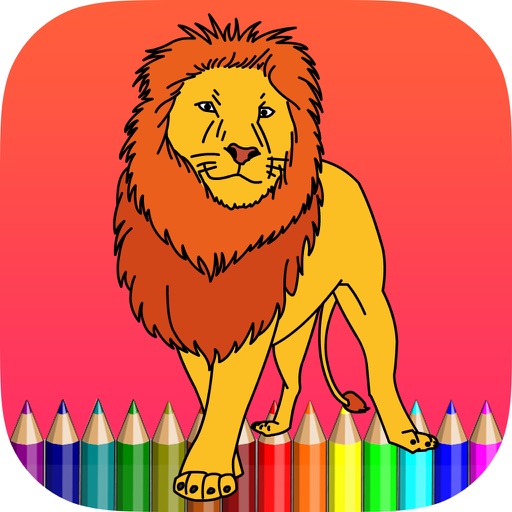
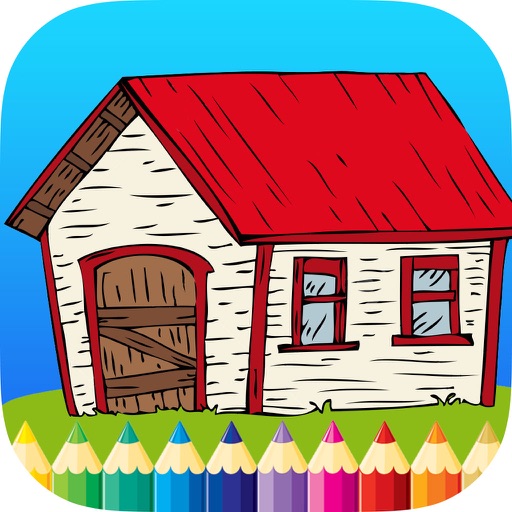
Can color and draw on various images. Choose from multiple templates and customize with colors. Save creations and share them with others. Learn basic art techniques through interactive activities.
Sketching and doodling apps offer tools for creating and editing drawings. Users can choose between sketching, doodling, or learning through kid-friendly features. Apps include drawing pads, color tools, and interactive learning options for children.