Create detailed technical illustrations and artistic designs with vector editing tools. Draw, reshape, and color elements with precision. Import and export files in multiple formats. Use layers, masks, and effects for advanced design work.
Create vector illustrations with precise tools for technical and artistic designs. Export to Pages, Keynote, or other formats. Sync work between Mac and iPad. Edit and refine graphics on mobile.
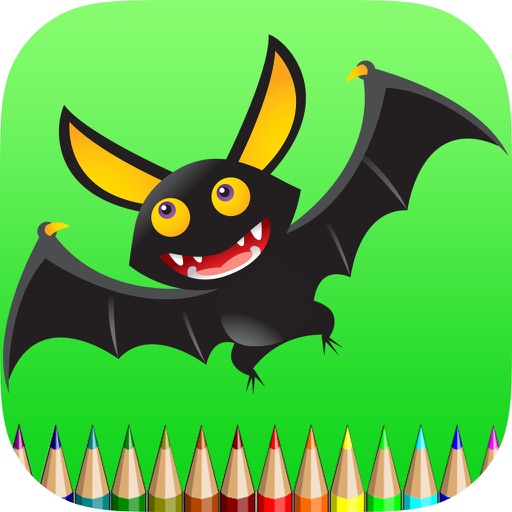
Book lets users select and apply colors to pre-drawn bat images. Features include saving and sharing completed artwork, accessing multiple palettes, and exploring educational content about colors and imagination.
Create and modify with intuitive CAD tools. Add notes, measurements, and annotations. Export designs in various formats. Collaborate in real-time with team members. Track project progress and revisions. Share files via email or cloud storage.
Allows users to create drawings with customizable tools and layers. Share artwork with friends or join collaborative sessions. Access weekly drawing lessons and tutorials. Save and organize projects in a personal gallery.
The app allows users to draw on a chalkboard with finger-controlled chalk. It includes four chalk colors, an eraser, adjustable line width, and options to clear the board or save artwork.