The app allows users to select a photo and create a blurred frame effect instead of cropping. Users can adjust the blur and fade effects and save the modified photo to their gallery for sharing.
by Ashraf Samy★ 4.25 ratingsPhoto & VideoFreeData updated 2026-11-02
Record high-resolution video in multiple aspect ratios and frame rates. Adjust focus, exposure, tint, and temperature with swipe gestures. Create and save custom aspect ratios. Crop media or optimize for Instagram using color-based mattes.
The app allows users to create miniature photo effects with adjustable depth blur, simulating a real camera's bokeh. Users can select photos, adjust blur intensity, and save or share the generated images.
Digital Photo Frame Slideshow Maker - Picture & Video Creator App LLC
Swap photos, rotate images, share moments
Display photos from your device, iCloud, and social media. Rotate images automatically. Create themed collections. Set schedules for when photos appear. Share photos via email or messaging. Add captions and borders. Adjust brightness and contrast.
Photos with a variety of filters including Normal, Linear, Vignette, Instant, Process, Transfer, Chrome, Fade, Curve, Tonal, Noir, Mono, and Invert. Adjust lighting, chromatic aberration, and blackout settings.
Editor allows users to apply , , and selective effects. They can adjust intensity and select areas to . The includes retro, 35mm, and analog filters for image enhancement. Users can crop, rotate, and adjust brightness and contrast.
Add crystal filters to photos and videos for a prismatic effect. Apply dreamy, mysterious looks with artistic color presets. Fine-tune media with customizable adjustments. Convert photos into animated effects. Share edited content directly.
Clean photos, delete duplicates, organize contacts
Clean up digital clutter by deleting duplicates, blurring sensitive data, and removing unwanted objects from photos. Organize contacts, edit calendar events, and batch process media.
Edit photos with filters, cropping, and red-eye correction. Adjust brightness, contrast, and saturation. Add text, stickers, and borders. Export in various formats and share directly.
Edit photos by blurring or pixelating faces with AI-powered detection. Black out license plates or other sensitive details. Save and share edited images directly.
The app offers drawing tools, color options, and frame management for creating animations. Users can export animations to video or animated GIF formats and share them.
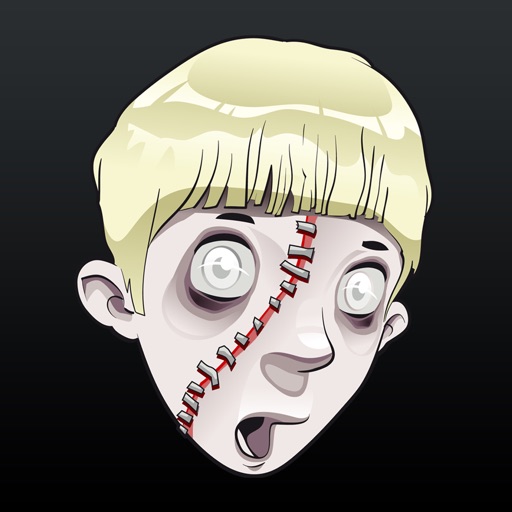
Edit photos by adding realistic scars, cuts, and bruises. Adjust transparency and blur for a lifelike appearance. Share modified images with friends and family.