
iPhone Screenshots

Description
You can fit a photo to square with this app and blur background with the photo.
-- How to use.
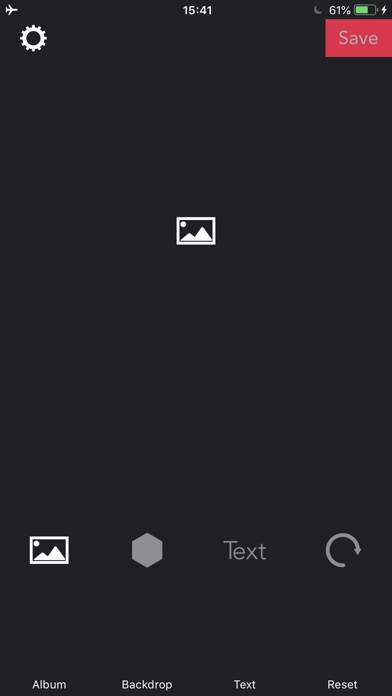
1. Select a photo.
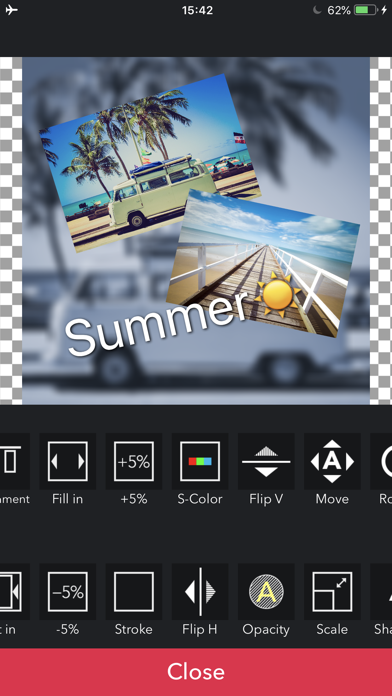
2. Tap the photo to show editing menu.
3. Drag & Pinch the photo to move and change size.
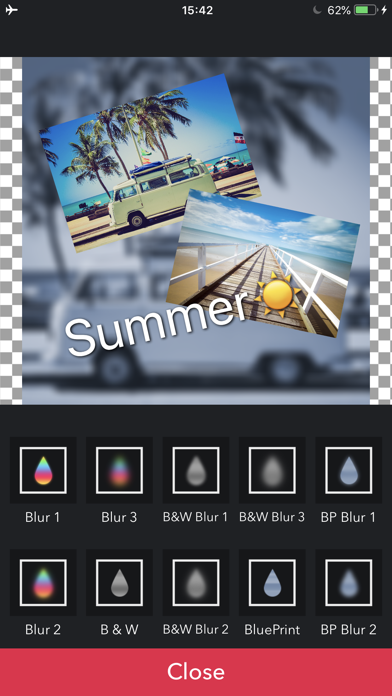
4. Tap Backdrop to show editing menu and blur it.
-- Blur type
- Blur
- Black & White
- Black & White with Blur
- Blue Print
- Blue Print with Blur
- Dots