The app allows users to select a photo and create a blurred frame effect instead of cropping. Users can adjust the blur and fade effects and save the modified photo to their gallery for sharing.
by Ashraf Samy★ 4.25 ratingsPhoto & VideoFreeData updated 2026-11-02
The app offers photo editing tools including insta square, color splash, and collage maker. Users can create unique photos with various filters, effects, and text options.
Upload photos directly to Instagram, Facebook, and other social networks without cropping. Choose a background and share instantly. Save photos to device for later sharing. Create images without resizing.
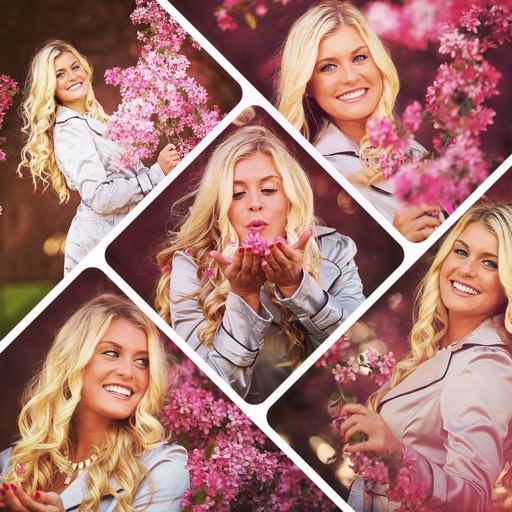
Create collages by combining multiple photos using various frame patterns and grid layouts. Apply over 1100 design styles to individual images or collages. Share finished creations directly from the .
Edit photos with -themed and effects. Choose from multiple creative designs. Import images from gallery or camera. Adjust brightness, contrast, and color. Share via Facebook, Instagram, or WhatsApp. Save high-resolution versions.
Apply creative filters to layers including blend, mask, pointillize, frame, distort, and more. Stack and save filter templates. Add motion with transition and create videos using built-in tools.
Edit photos with filters, effects, and AI tools to remove or blur backgrounds. Add stickers, text, and frames. Apply glitch, neon, and drip effects. Adjust colors and crop images. Export and share edited photos directly.
Take photos with using online filters for , scenery, food, and travel. Edit images with numerous stickers and auto-enhancement tools. Export and share edited photos directly.
Edit photos into customizable grids with layout options, shapes, and frames. Add text and messages. Apply filters and effects. Stitch multiple images into a single composition. Export and share edited collages.
Edit photos using like Linear, Vignette, and Sepia. Adjust brightness, contrast, and color with tone curve tools. Apply blur, focus, and rotation. Add stickers, text, and emoticons. Crop and resize images.
Create scary images by adding ghosts, snakes, and other effects. Crop and resize photos freely. Position and rotate guides. Apply effects and edit directly. Share via Facebook, Twitter, or email.
Edit photos with customizable Day . Select images from gallery or camera. Apply effects for enhanced visuals. Share via Facebook, Instagram, WhatsApp. Save high-resolution images.
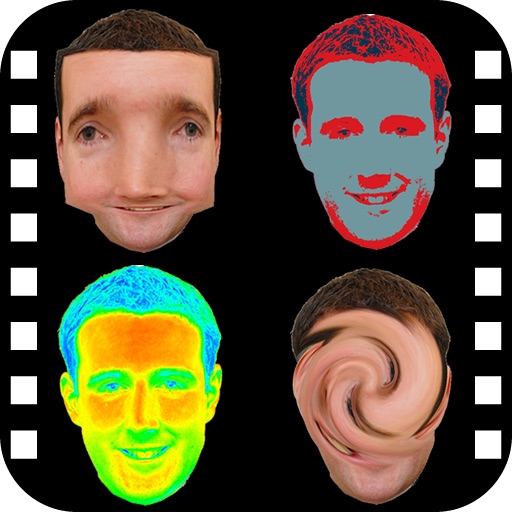
The app provides a photo editing experience with numerous effects. Users can select a picture and apply various filters like Night Vision, Heat Cam, Ripple, and Alien.
Create collages using 9 photos. Tap frames to insert images from the photo library. Resize, reposition, and crop photos within each frame. Preview the in full size and save it to the photo library.