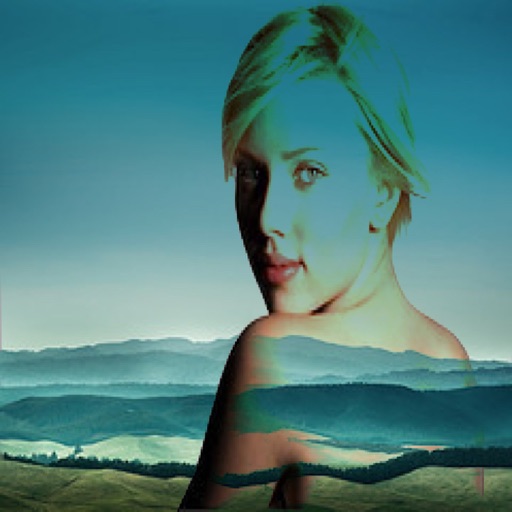
Create 3D photos from 2D images using built-in tools. Apply photo masks to isolate subjects. Combine multiple photos to form composite images. Share edited photos directly. Adjust lighting and colors for enhanced visuals.
by Guangzhou Beauty Information Technology Co.,Ltd.★ 4.9159 ratingsPhoto & VideoFreeData updated 2026-09-09
Apply to photos using the built-in image editor. Select from a gallery or take a new with the camera. Add to enhance images of children. Save and share edited photos directly.
Edit photos with global adjustments, selective edits, and AI-powered subject detection. Apply filters, adjust brightness and contrast, and use masking tools. Export in various formats and share directly from the .
Edit photos using presets from photographers and content creators. Adjust brightness, contrast, and saturation. Apply filters and crop images. Save and share edited photos directly.
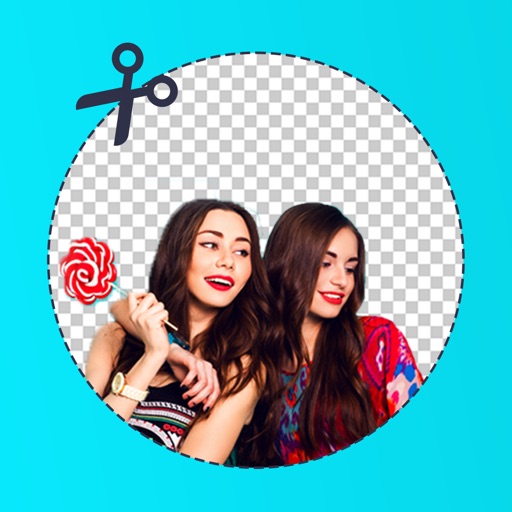
Remove backgrounds from photos using AI to detect and isolate objects. Change backgrounds with gradient options or custom colors. Save edited images to the photo library and share them on social media.
Create ID photos with customizable sizes and background colors. Adjust face position and proportions. Export in standard formats. Apply one-click editing for professional results.
Faces in photos with a single tap using AI technology. Apply morph effects for seamless blending. Merge faces with friends or celebrities. Create warp effects and share edited images directly.
APPAS SOLUTIONS, SOCIETATEA CU RASPUNDERE LIMITATA
Check appearance with -like clarity
View your face in a -like interface with adjustable zoom. Apply face filters and edit photos without saving. Save edited images to the iPhone gallery. Use enhanced filters to improve photo quality.
Remove backgrounds from images using AI technology. Edit and generate new backgrounds. Create transparent images for social media, e-commerce, and design projects. Tap to remove backgrounds automatically.
The app allows users to combine two images using various blend modes. Users can select photos from their device or the web and adjust layer transparency.
Edit photos by blending images from gallery or camera. Apply to merge pictures creatively. Adjust opacity and positioning for custom blends. Save and share edited photos directly.
Create twin-style photos by applying mirrored filters and effects to selfies. Swap faces in images and videos. Share edited photos directly to social media platforms. Add captions and stickers for humor.
Remove unwanted backgrounds or objects from photos. Edit images to make backgrounds transparent. Add custom backgrounds for improved visuals. Erase specific areas for enhanced photo quality. Save and share edited images directly.
Create collages by combining multiple photos. Add romantic and text. Share collages via social media or messaging. Customize layouts and edit images within the .
Edit photos by removing backgrounds with mode, object extraction, and quick select tools. Use transparent backgrounds for stamps and collages. Share edited images directly with other apps.
Edit photos with 3D and color effects to create立体 art. Apply special effects to enhance images. Save and share edited photos directly. Use fun and intuitive editing tools for creative customization.
Insert Santa stickers into photos for holiday or event scenes. Customize sticker placements and create photo cards. Save and share edited images. Use high-quality, realistic Santa stickers for personal or group photos.
Edit photos with filters, effects, and shapes. Add text and stickers. Crop and adjust images. Share directly to social networks. Apply pre-designed styles for modern looks.
Turn a single photo into a short film with dynamic AI animation. Apply cinematic filters and effects. Export videos in high quality for social platforms. Adjust timing and transitions. Add background music and text overlays.
Apply with multilayered styles, including vintage film, textured finishes, and painterly designs. Adjust colors, tones, and brightness. Export edited photos in various formats and share directly.