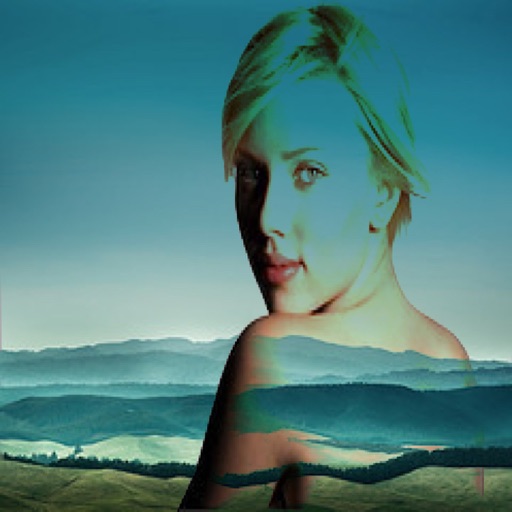
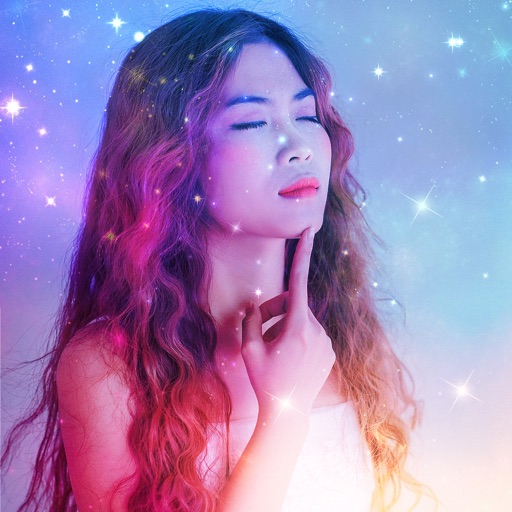
The app allows users to combine two images using various blend modes. Users can select photos from their device or the web and adjust layer transparency.
by Vendi Mobile Technologies Private Limited★ 2.645 ratingsPhoto & VideoFreeData updated 2026-10-24
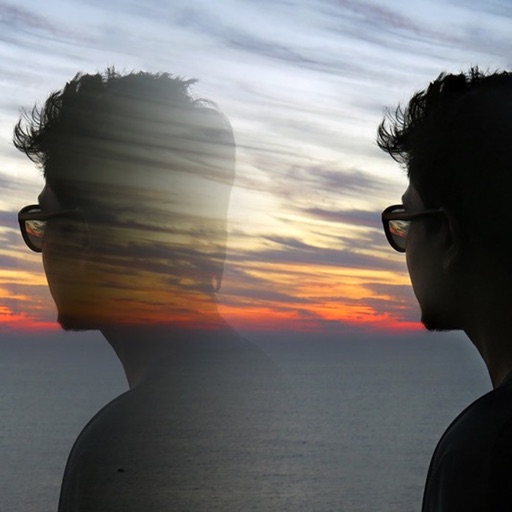
Two photos to create a double exposure effect. Adjust blending modes and positions to merge images. Apply filters and share results on social media platforms like Instagram and Facebook.
Edit photos using masks and blend modes. Combine images with multi-exposure settings. Apply filters from other apps with adjustable intensity. Add or replace objects and textures. Create custom filters with overlays. Add watermarks or logos.
Edit photos with blending tools to create double exposure effects. Add frames, quotes, and background elements. Apply single-layer filters. Export edited images without ads. two images with one touch.
The app joins photos vertically, horizontally, or in 2D by blending or abutting them. Users can edit individual photos or the blend output in the image editor, supporting up to 16 photos.
Pic allows users to divide their camera view into sections using various free layouts. They can take photos or import images from the Camera Roll and arrange them in different orders.
Edit photos by converting them to black and white while retaining selected details. Use multi-touch gestures to paint areas in black and white or restore original colors. Zoom in and out with two-finger pinching. Adjust and export edited images.
Create photomontages by combining elements from multiple images. Select and move objects between photos. Add text and effects. Export and share final compositions.
The app allows users to combine photos using a layer blender, 100 filters, and 100 fx elements. Users can edit foreground masks and save images in full resolution.
Edit photos with 12 blend modes including overlay, multiply, difference, and exclusion. Combine foreground images from a growing library of over 400 options. Export and share edited creations.
Upload from social networks or device storage. Select images for printing. Choose size and layout. Locate nearby Walgreens or Duane Reade stores. Schedule pickup within one hour. Share printed via email or social media.
Edit by blending images from the gallery or combining them with existing templates. Adjust exposure and color to create double exposure effects. Save and share the final edited image.
Edit photos with advanced filters, cropping, and adjustment tools. Create digital art using AI image generation and text-based ideas. Enhance images with AI-powered tools and export in multiple formats. Share edited photos directly from the .
Edit photos by applying 100+ textures with brush tools. Adjust effects using opacity and blend modes. Retouch with an eraser. Add sparkles and other decorative elements. Save edits or share directly to social media.
Edit videos using AI Auto Edit tools. Convert images to with AI Image-to- features. Apply AI Art filters for Vivid Anime and Fairy Classic styles. Use templates like Sunflare and AI Kissing for creative effects.
Backgrounds from images with precise touch or auto-target tools. Maintain transparency for use in apps like Keynote or Pages. Edit pixels for accuracy and erase or restore specific areas.
Create flyers, posters, logos, and social media graphics with customizable fonts, filters, shapes, and artwork. Add text, adjust colors, and export designs for print or online use.